Scanning Electron Microscope EM-30PLUS Operating Manual
84
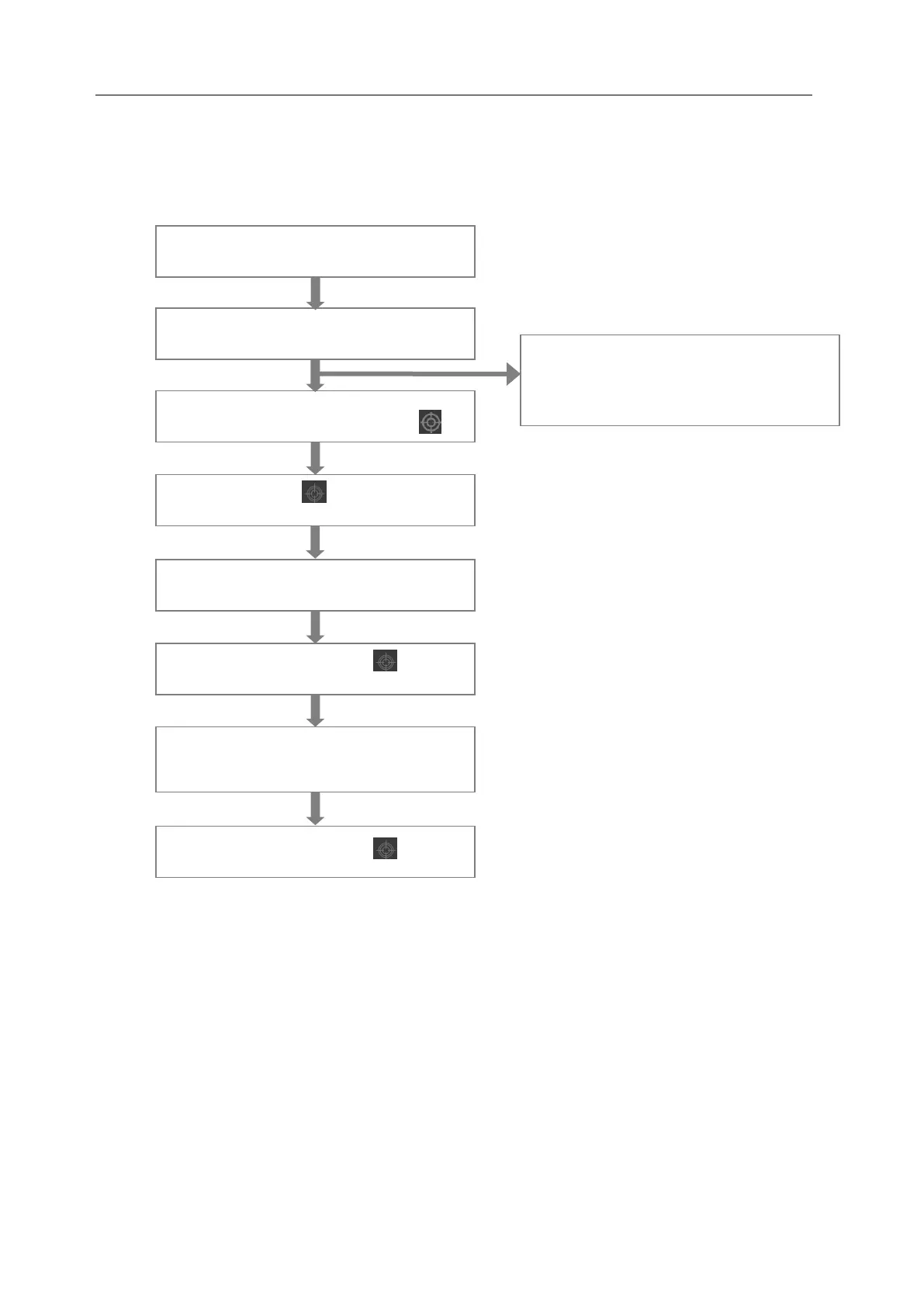
Sequence of focus setting
General processes of focus setting are as follows.
* When wobbling operation and Gun alignment has completed.
Select Magnification and Spot size.
Set RED Mode/ Set Coarse Focus by .
Set focus by adjusting Astig.
Finish setting Fine Focus by .
Finish setting Fine Focus by .
If you want to correct again
Set focus by adjusting Stig.
* If images move violently up & down
and left & right while correcting focus,
carry out wobble operation.
Move the location for specimen
observation (Set minimum value).



 To Next Page