Scanning Electron Microscope EM-30PLUS Operating Manual
85
Manual Setting of Focus
1) Move the Stage to the location to observe.
- Set the minimum magnification when finding out specimen.
For the details of location movement of specimen, see [4.3 location movement of
specimen].
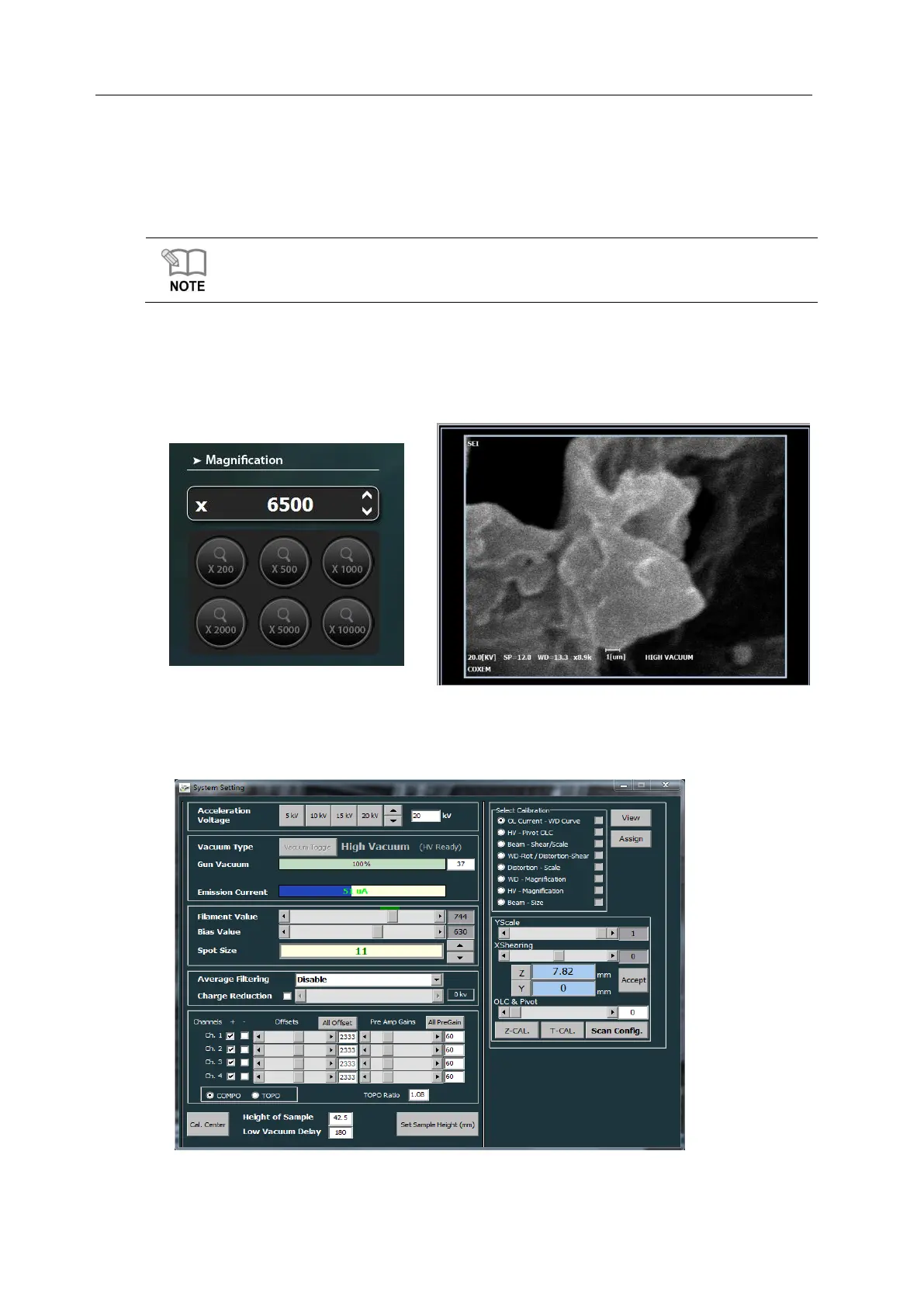
2) Enlarge the specimen, find out exact observation position and set the higher
magnification than you want. (e.g.: if you want to acquire an image of 5000 times, set the
magnification more than 5000 times)
3) Set the Spot size adequate for the set magnification. (e.g.: if you want to acquire an
image of 5000 times, set the Spot size 10~12)



 To Next Page