Scanning Electron Microscope EM-30PLUS Operating Manual
86
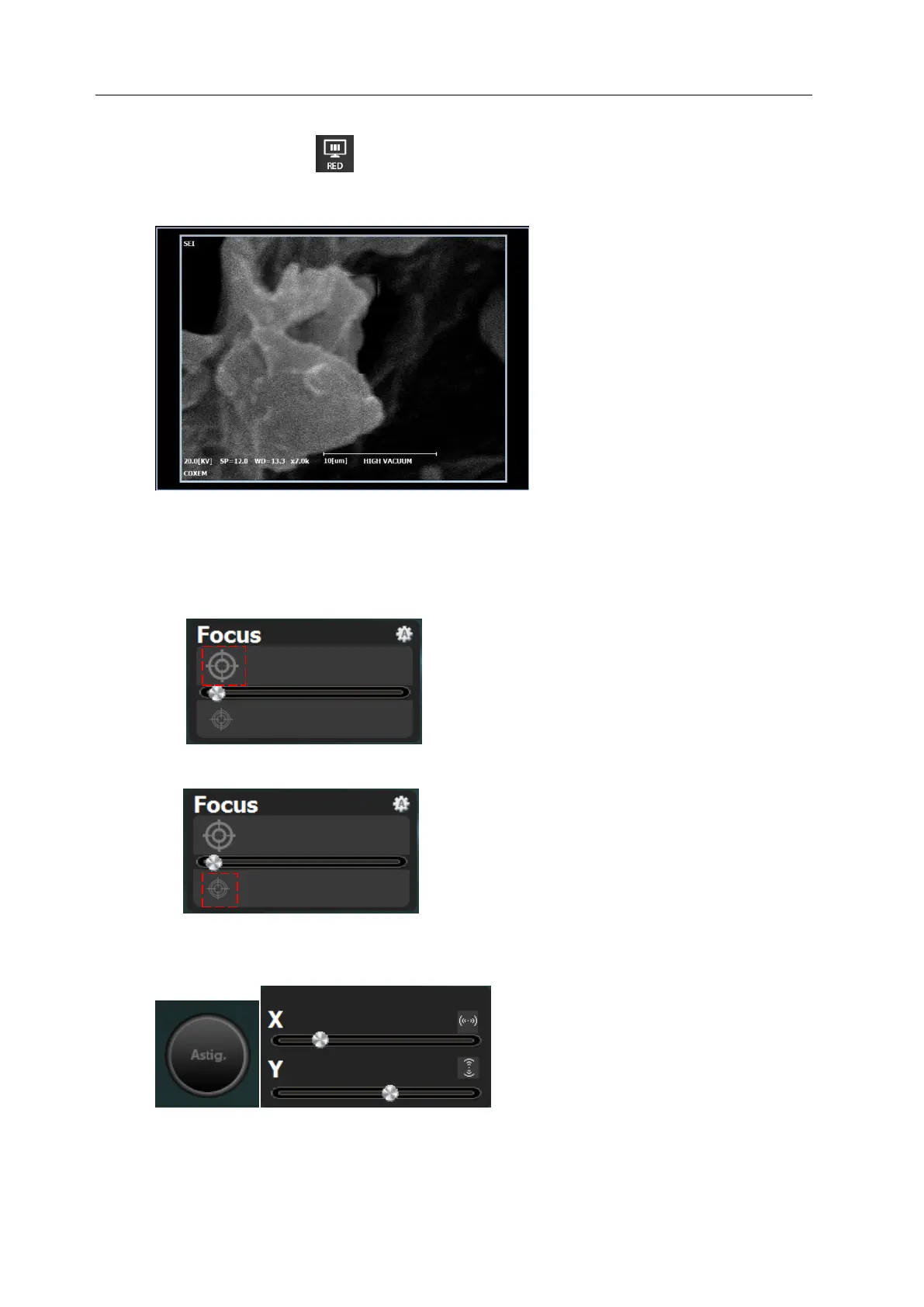
4) Select [RED] mode ( ) when setting focus.
- Select the [RED] to adjust focus of small parts exactly.
5) Correct the focus using mouse wheel in Coarse focus box.
- WD value can be identified through the WD value at the bottom of the electron
microscope (EM) image screen.
6) Correct the focus finely using mouse wheel in Fine focus box.
7) Correct the focus by dragging Astig X, Y.



 To Next Page