66 • TSS-7/TSS-10 Supplemental Guide — Doc. 8327D
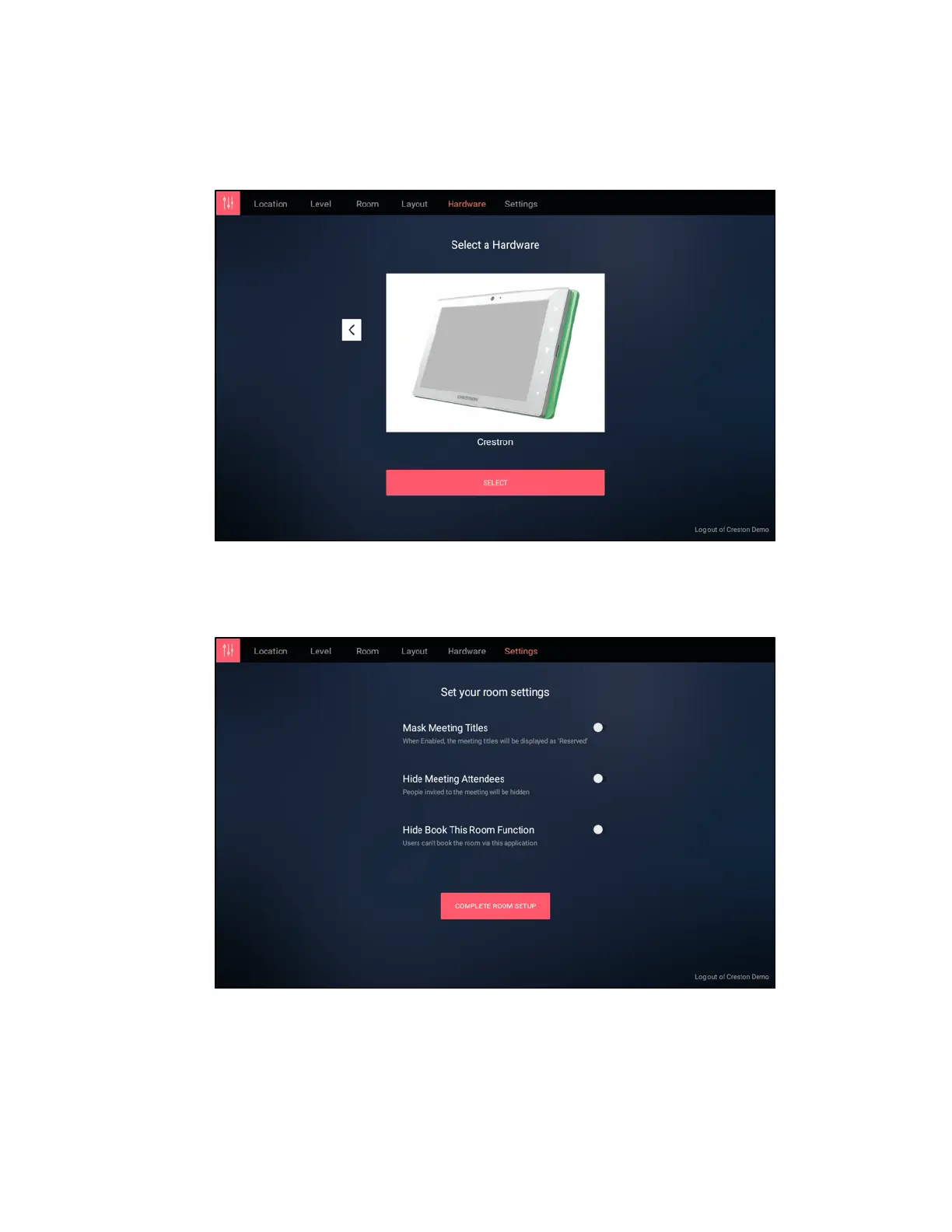
11. On the Select a Hardware screen, use the navigation arrows to choose the Crestron
hardware, and then tap SELECT.
Space Connect - Select a Hardware
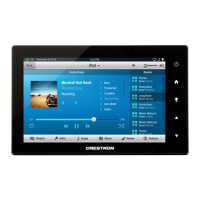
12. On the Set your room settings screen, configure any additional settings as needed
using the provided toggles.
Space Connect - Set your room settings


 To Next Page