Supplemental Guide — Doc. 8327D TSS-7/TSS-10 • 65
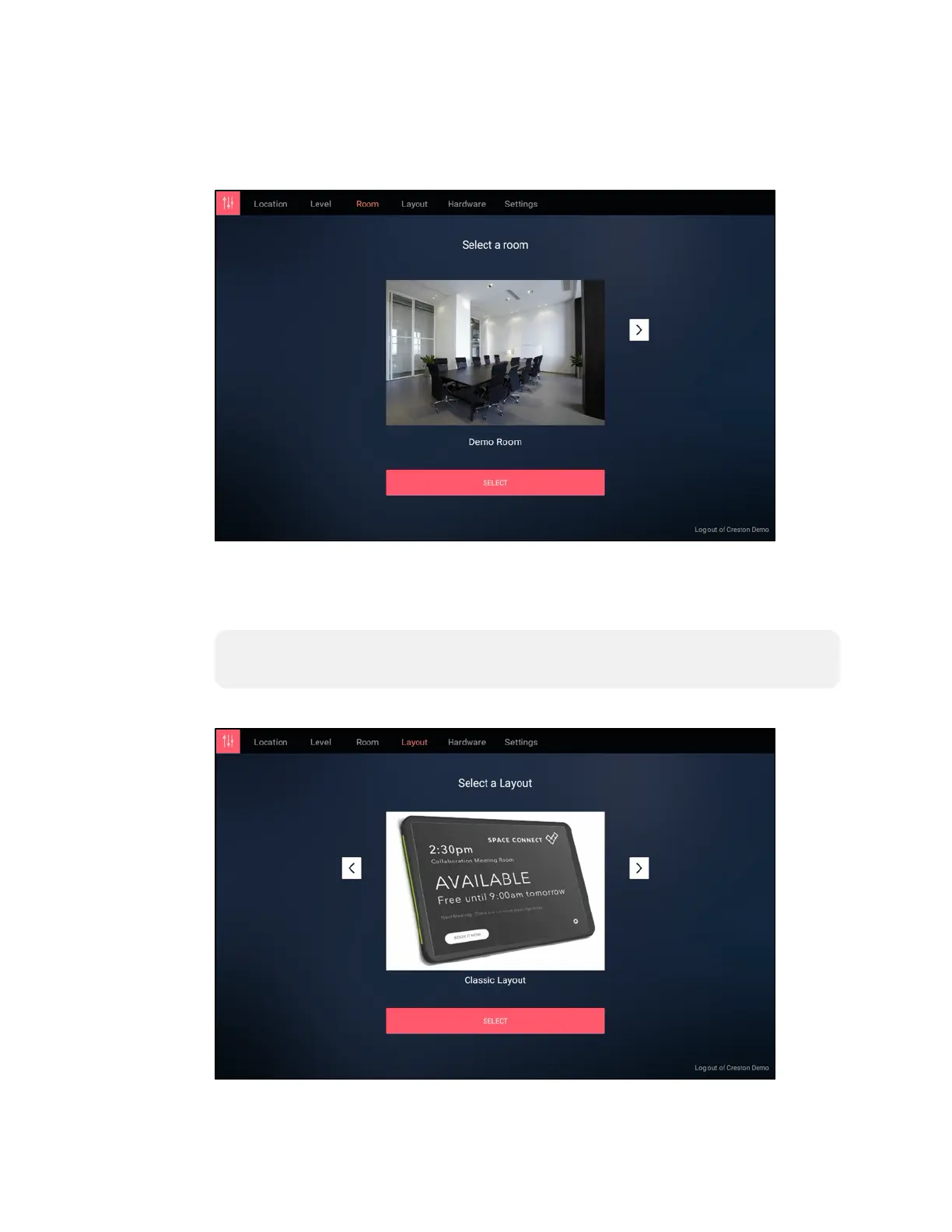
9. On the Select a room screen, use the navigation arrows to choose the room where
the touch screen will be used, and then tap SELECT.
Space Connect - Select a room Screen
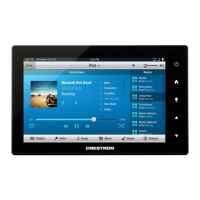
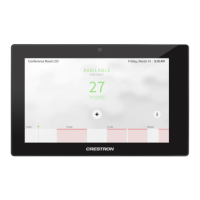
10. On the Select a Layout screen, use the navigation arrows to choose either the
Optimised for no LED enclosure or Classic Layout setting for the scheduling
application layout, and then tap SELECT.
NOTE: Crestron does not recommend using the other provided layouts, as they
are not optimized for Crestron touch screens.
Space Connect - Select a Layout


 To Next Page