Supplemental Guide — Doc. 8327D TSS-7/TSS-10 • 75
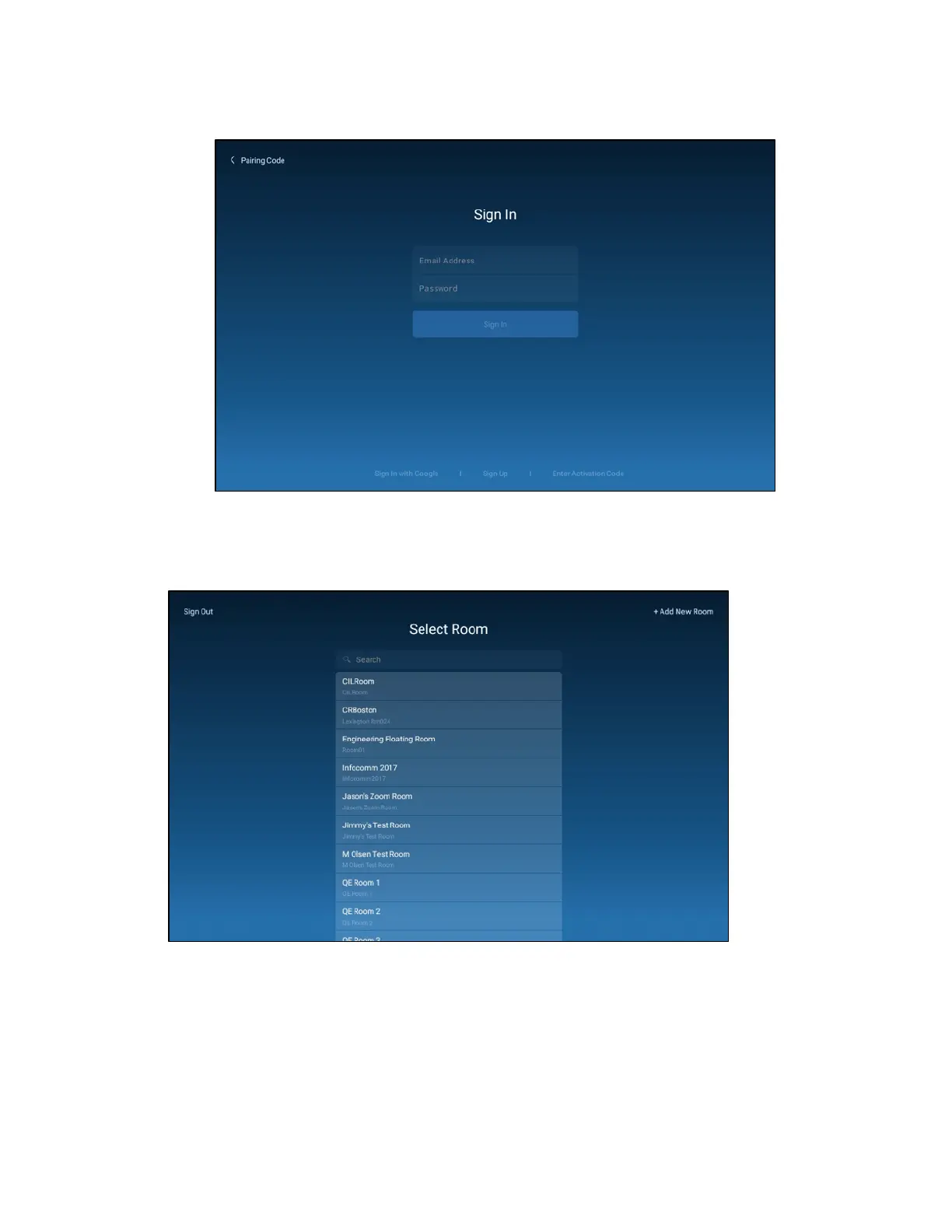
ZoomRooms User Interface - Sign In Screen
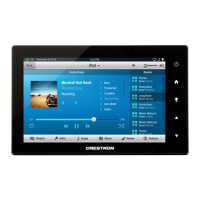
If the device is registered successfully, a notification appears confirming the registration
success, and the application updates to display a room selection interface.
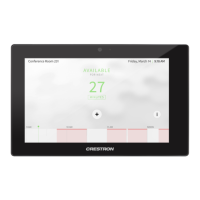
ZoomRooms User Interface - Select RoomScreen
To set up a conference room for a Zoom Rooms meeting:
1. Select a conference room from the Select Room menu.
2. Tap Settings from the Zoom Rooms App to display conference room settings.


 To Next Page