78 • TSS-7/TSS-10 Supplemental Guide — Doc. 8327D
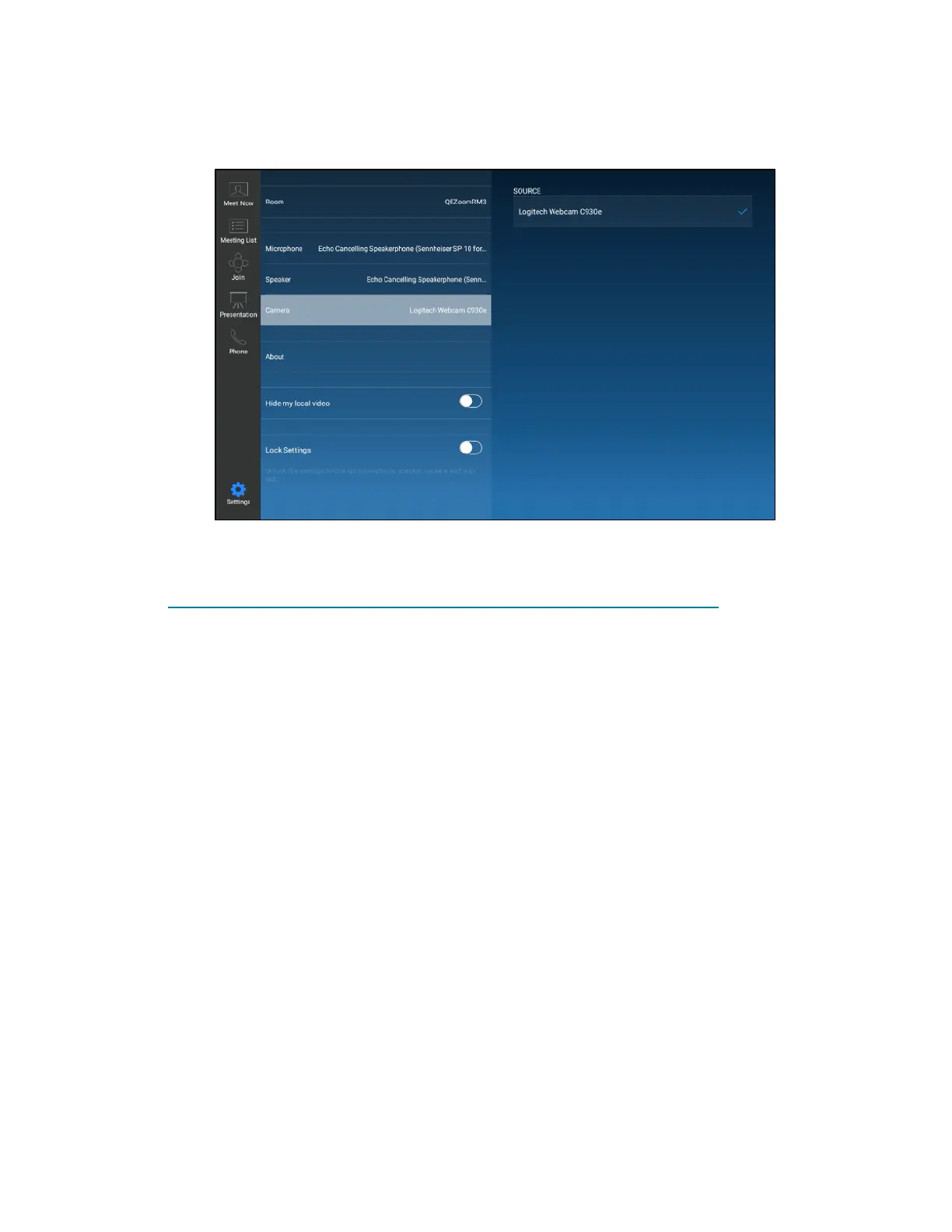
5. Tap Camera, and then select an available camera in the conference room.
ZoomRooms User Interface - Camera Settings
6. Tap Meet Now to return to the meeting settings.
For more information on setting up and using Zoom Rooms, refer to
https://support.zoom.us/hc/en-us/categories/200108436-Zoom-Rooms.


 To Next Page