2-4
Copyright 2017 Cummins Inc.
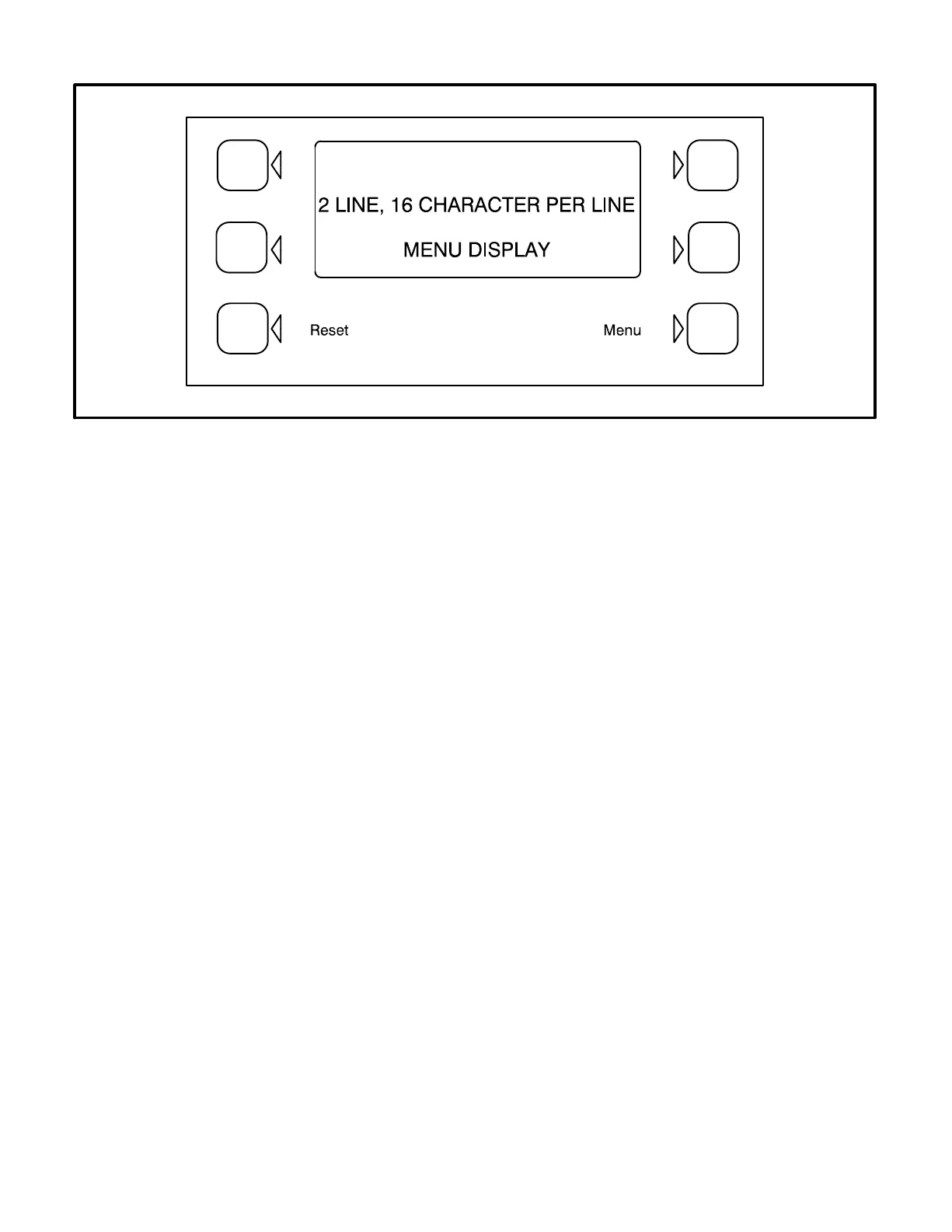
FIGURE 2-2. DIGITAL DISPLAY AND MENU SELECTION SWITCHES
MENU DISPLAY AND SWITCHES
Figure 2-2 shows the digital display and the menu
selection switches. Refer to heading “Front Panel”
which describes the menu display and switches.
In the Standby Mode, to activate and view the menu
displays without starting the generator set, press
and release the Self Test switch. This will initialize
the PCC operating software and permit operation of
the menu display panel. If no menu selections are
made, a software timer will shut down the power af-
ter 30 seconds. In the Power On Mode, power is
continuously supplied to the control panel. Display
will always remain on.
In the digital display, the “>>” symbol indicates that
selecting the adjacent button causes the operating
program to branch to the next menu display—as
shown in the menu diagrams.
In the digital display, the “<<” symbol indicates that
selecting the adjacent button causes the operating
program to go back to the previous menu display.
MAIN MENU
The facing page shows the main menu and a block
representation of the available submenus.
As shown in the diagram, the main menu can
branch into one of four directions.
To display engine parameters, such as oil pressure
and temperature, water temperature, engine speed
(RPM), and exhaust temperature, press the button
next to the word “ENGINE” in the display. Refer to
ENGINE MENU in this section.
To display alternator parameters, such as volts,
amps, power (kW), and frequency, press the button
next to the word “GEN” in the display. Turn to the
GEN MENU in this section.
To adjust output voltage and frequency, or start and
stop delays, press the button next to the word “AD-
JUST” in the display. Refer to ADJUST MENU in
Section 5.
To display the selected generator set model and the
resident version software, press the button next to
the “>>” in the display. Refer to VERSION & DIS-
PLAYS MENUS in Section 5.



 To Next Page