23
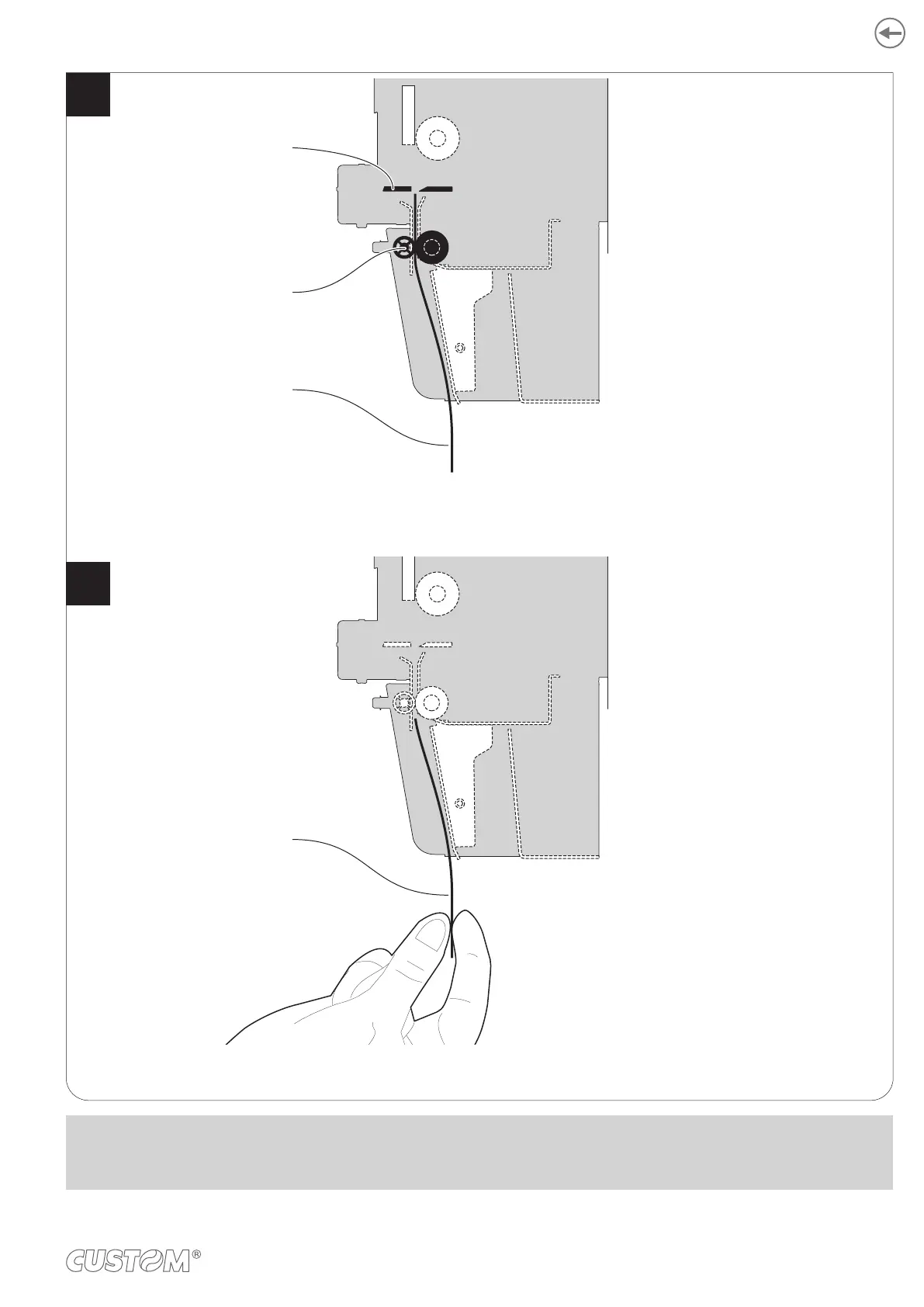
The user withdraws the ticket printed.
When printing ends, the device cuts the ticket printed
and hold it between the ejector rollers.
2
Cutter
Ticket printed
Ejector rollers
Ticket withdrew
NOTE:
To enable this issuing method, you need to correctly set the operation mode of the selector device with the command
0x1D 0x70 0x6F (see the device commands manual).
73













 To Next Page