3
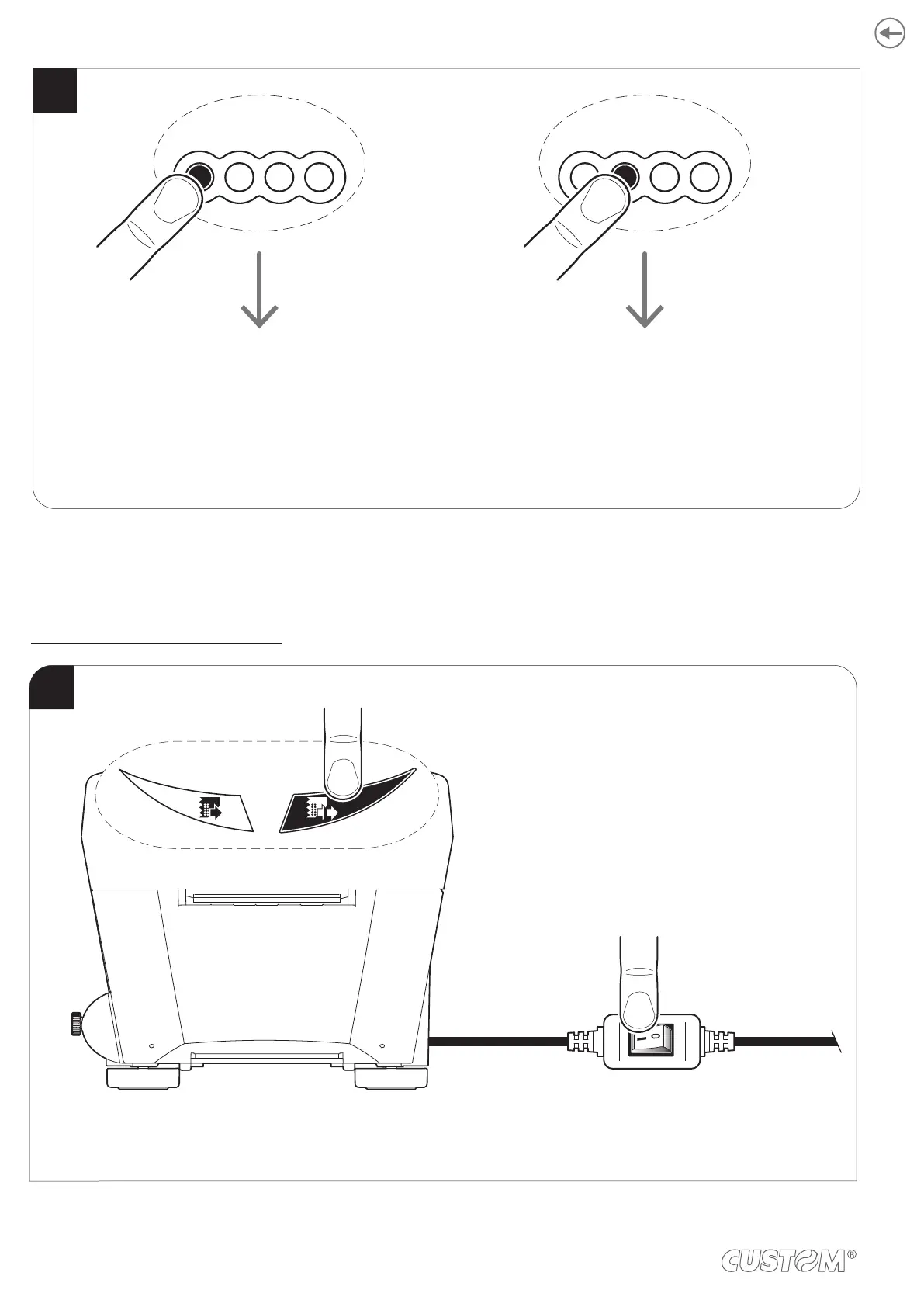
FFLF S1 S2
Enter
printer
setup
FFLF S1 S2
Enter
ethernet
setup
Press the LF LINE FEED key to enter the configuration mode
or press the FF FORM FEED key to print the setup report with the Ethernet parameters.
TK302 STD, TK303 STD, TK302 TF
While pressing the LF LINE FEED key, switch on the device
by pressing the ON/OFF key on the power supply cable.
1
FF LF
86













 To Next Page