CVC TECHNOLOGIES, INC. CVC 310 OPERATION MANUAL
6.3 Machine Control Parts Functions
Refer to section 6.1 for the location of the different control parts.
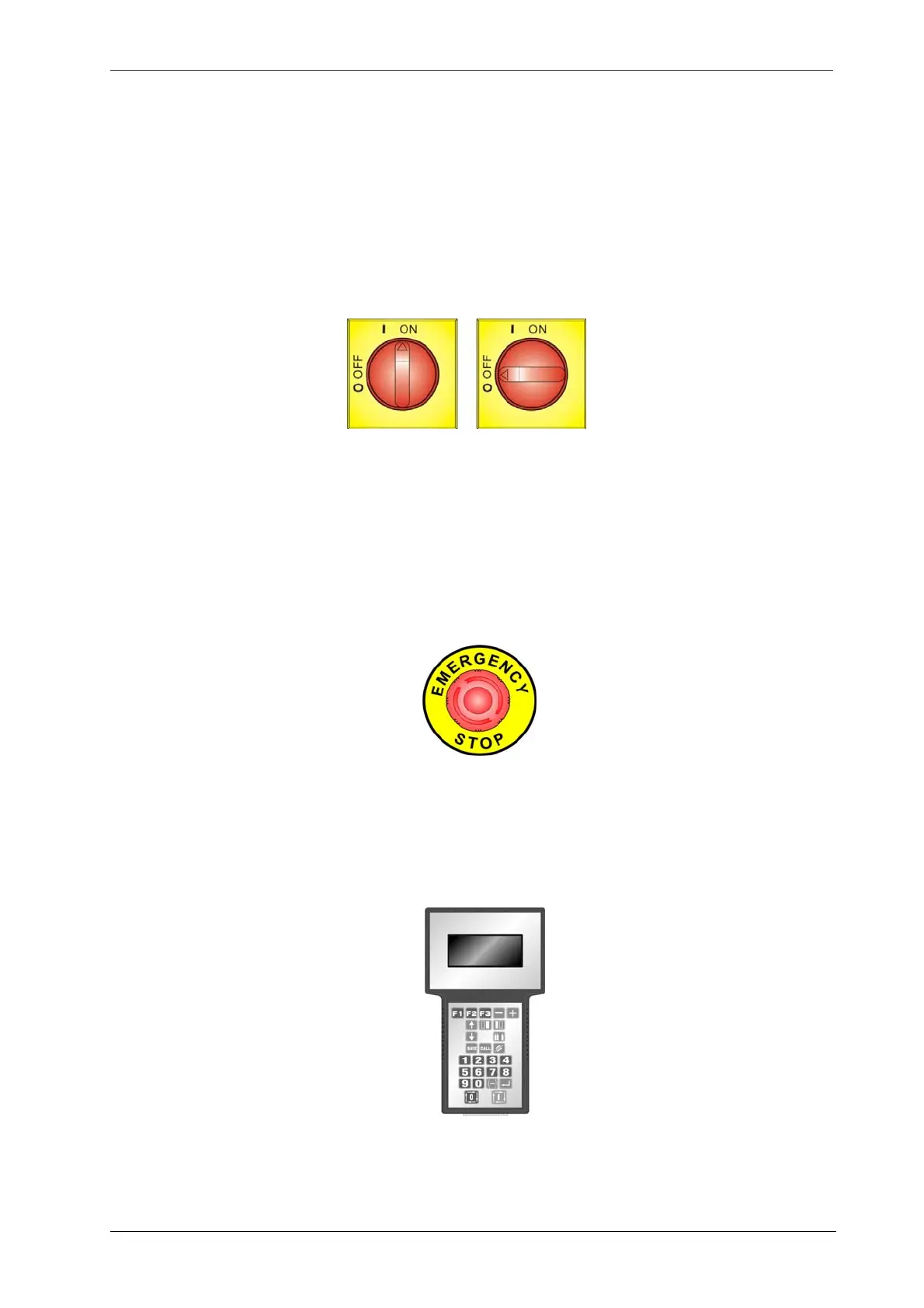
6.3.1 Main Power Switch
This main switch is used to connect or disconnect the machine from the power source, putting the
switch in position “OFF” disconnects the power source, whereas putting it in “ON” connects the
machine to the power source.
6.3.2 Emergency Stop Pushbutton
The emergency stop pushbutton is used to immediately stop the machine upon emergency situations
where the operator safety is endangered, or damages to the machine are likely to occur. The button
can be released only after the problems causes are cleared. To release the button, turn it in CW
direction, machine can re-start only if this button is released.
6.3.3 Control Panel (Hand-Held Terminal)
Control Panel provides with control and setting functions to operate the machine. Refer to the “Control
Panel Functions” chapter for a detailed explanation for its operation.
6 - 6



 To Next Page