EZ-USB Development Kit User Guide, Doc. # 001-66390 Rev. *D 103
EZ-USB Development Kit Firmware Examples
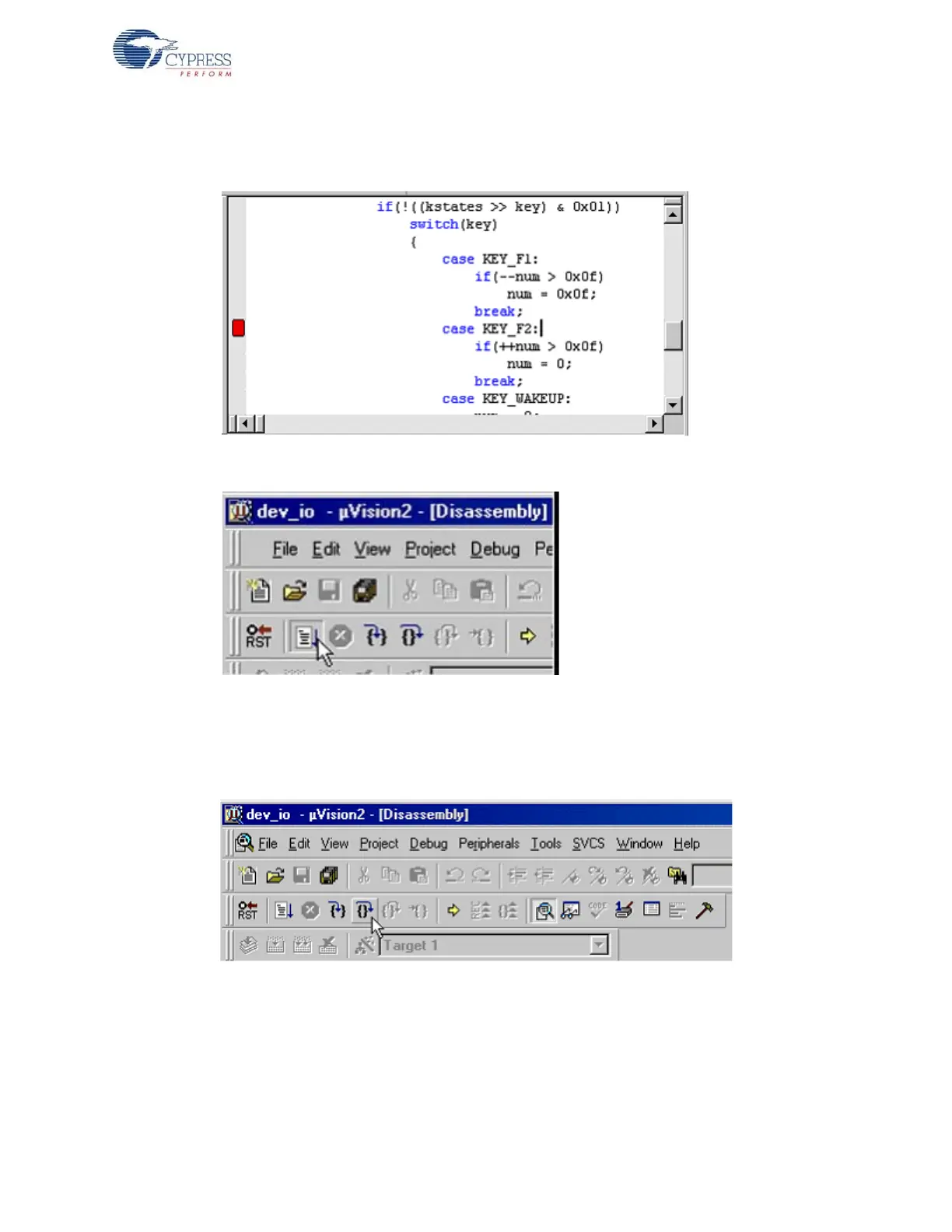
19.A red breakpoint indication is seen in the margin next to the new breakpoint as shown in
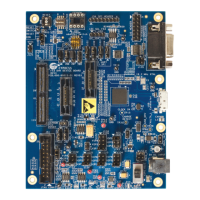
Figure 8-32. Press the RUN button as shown in Figure 8-33.
Figure 8-32. Breakpoint Indicator in Keil uVision2 IDE
Figure 8-33. Run button in Keil
20.Now press F3 on the development board (the KEY_F2 label equates to the F3 button). Program
execution halts in the Keil IDE and the LED does not increment.
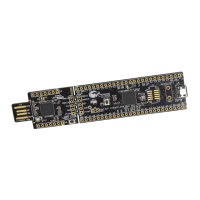
21.Press Step Over as shown in Figure 8-34. Then press Run key again on the debugger.
Figure 8-34. Step Over Debug Button in Keil uVision2 IDE
22.Execution proceeds normally until F3 key is pressed on the development board again. When fin-
ished, press the Stop Debugging key and exit the Keil debugger.


 To Next Page