102 EZ-USB Development Kit User Guide, Doc. # 001-66390 Rev. *D
EZ-USB Development Kit Firmware Examples
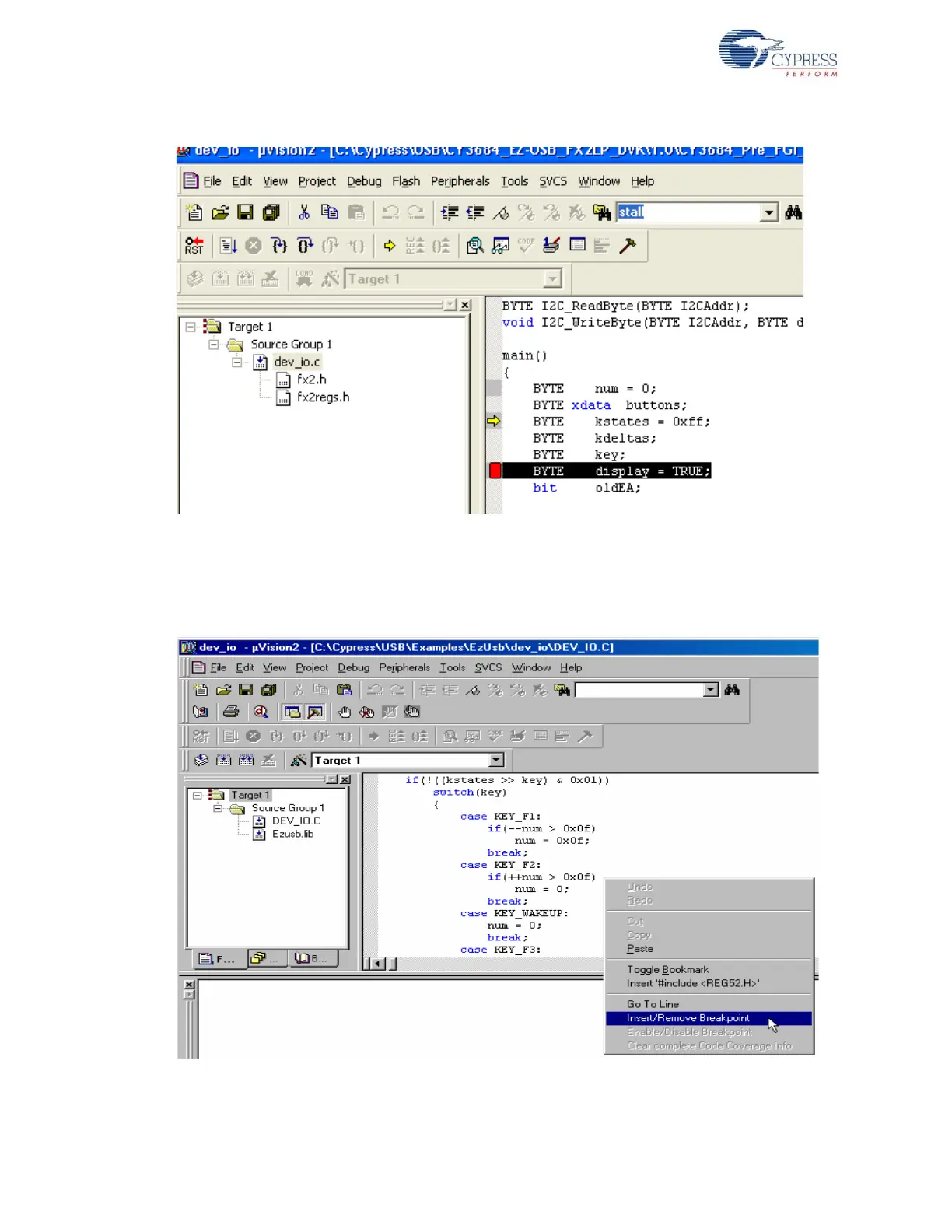
Figure 8-30. Enabling Debug Toolbar View in Keil
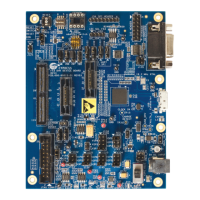
18.Set a breakpoint by selecting the first line in the "case KEY_F2" section (which is in file
dev_io.c). To set or remove a breakpoint, double-click the line or right-click on the line as and
select Insert/Remove Breakpoint shown in Figure 8-31.
Figure 8-31. Setting Breakpoint in Keil uVision2 IDE


 To Next Page