EZ-USB Development Kit User Guide, Doc. # 001-66390 Rev. *D 95
EZ-USB Development Kit Firmware Examples
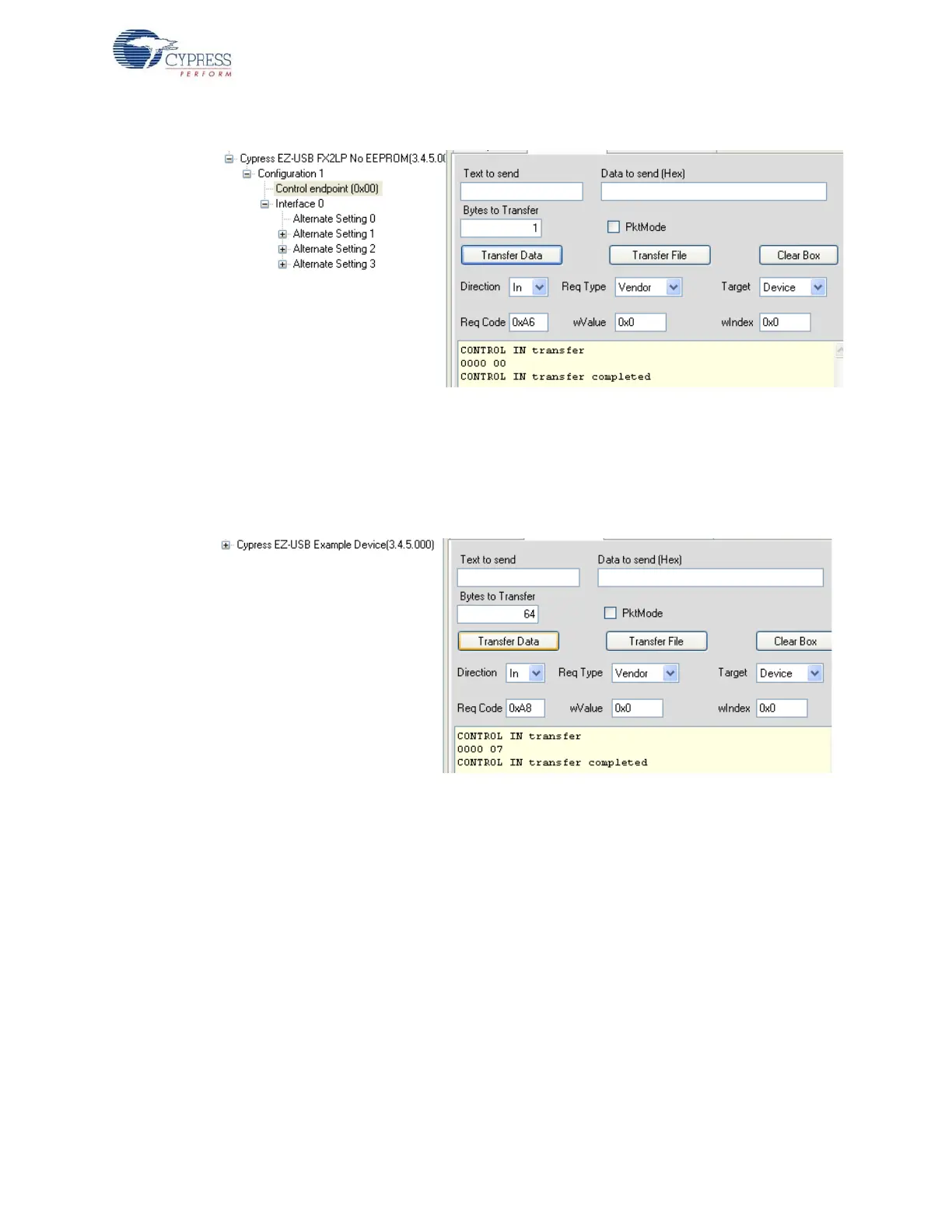
Figure 8-16. A6 Vendor Command using CyControlCenter
4. 0xA8 command-EZ-USB
This command is used to disconnect and re-connect the EZ-USB IC using the CPUCS register.
The EZ-USB re-enumerates. Observe the Cypress device disappearing from the CyControlCen-
ter window and re-appearing in the same window. Figure 8-17 summarizes the command trigger
using CyControlCenter.
Figure 8-17. A8 Vendor Command Operation using CyControlCenter
5. 0xA9 command- Read/Write Large EEPROM
To read/write the contents of Large EEPROM-U5, select Direction = In/OUT, Req Type = vendor,
Target = Device. Bytes to Transfer automatically gets updated if there is pre-defined data. In the
following figure, the data of the LEDCycle.iic file is programmed in the OUT direction and read
back in the IN direction bytes (data to read). Figure 8-18 summarizes the entire operation. Press
the RESET button after programming and observe LED D2-D5 glowing in a periodic manner.



 To Next Page