19D-Link DSL-2790U Wireless N300 ADSL2+ Modem Router User Manual
Section 3 - Getting Started
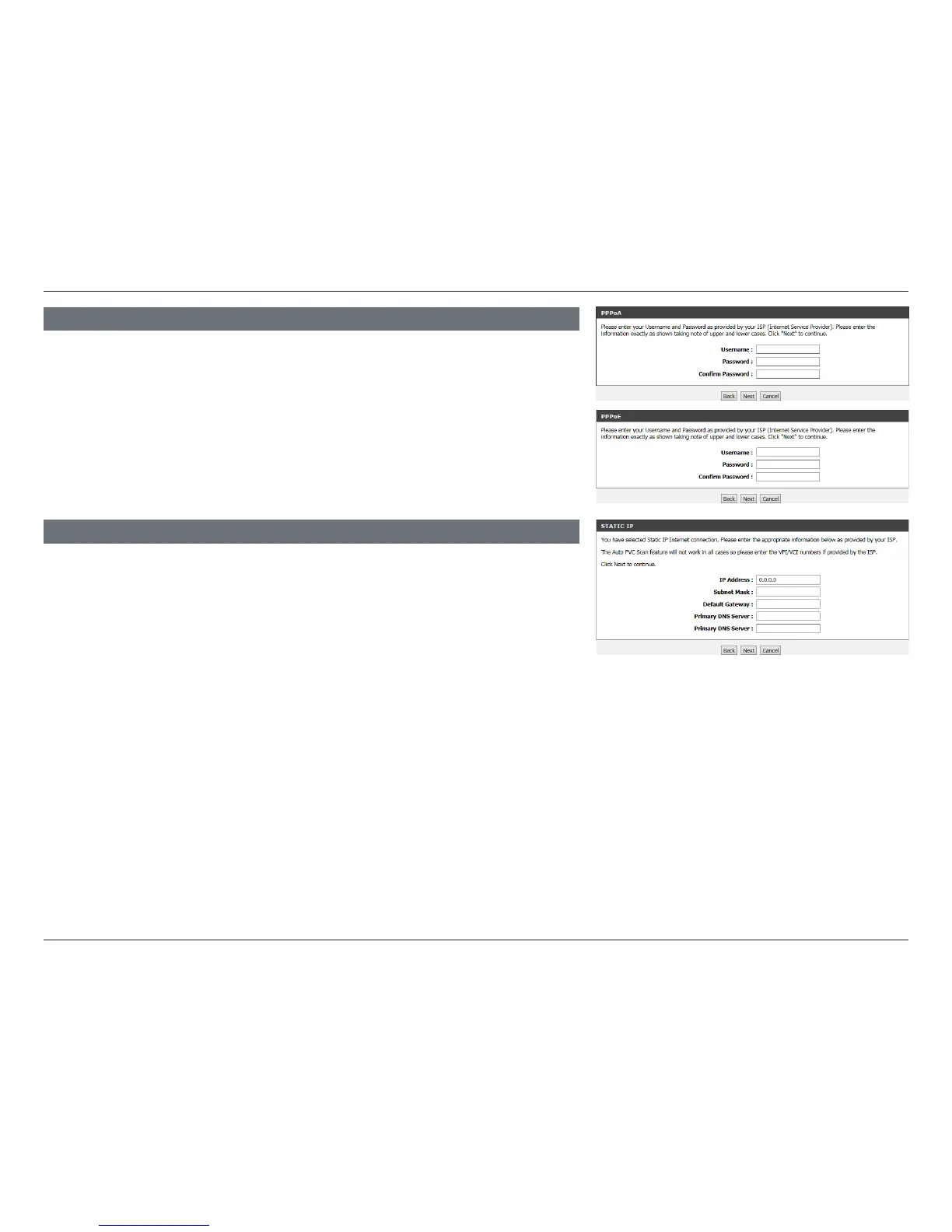
PPPOE/ PPPOA
If the router detected or you selected PPPoE or PPPoA, a box will appear to
enter your PPPoE/PPPoA username and password. Once you have entered
your PPPoE/PPPoA credentials, click Next to continue.
Note: Make sure to remove your PPPoE software from your computer. The software
is no longer needed and will not work through a router.
If you selected Static IP, enter your Static IP information as supplied by your
ISP. Click Next to continue.
STATIC IP















 To Next Page