40D-Link DSL-2790U Wireless N300 ADSL2+ Modem Router User Manual
Section 4 - Conguration
Failover
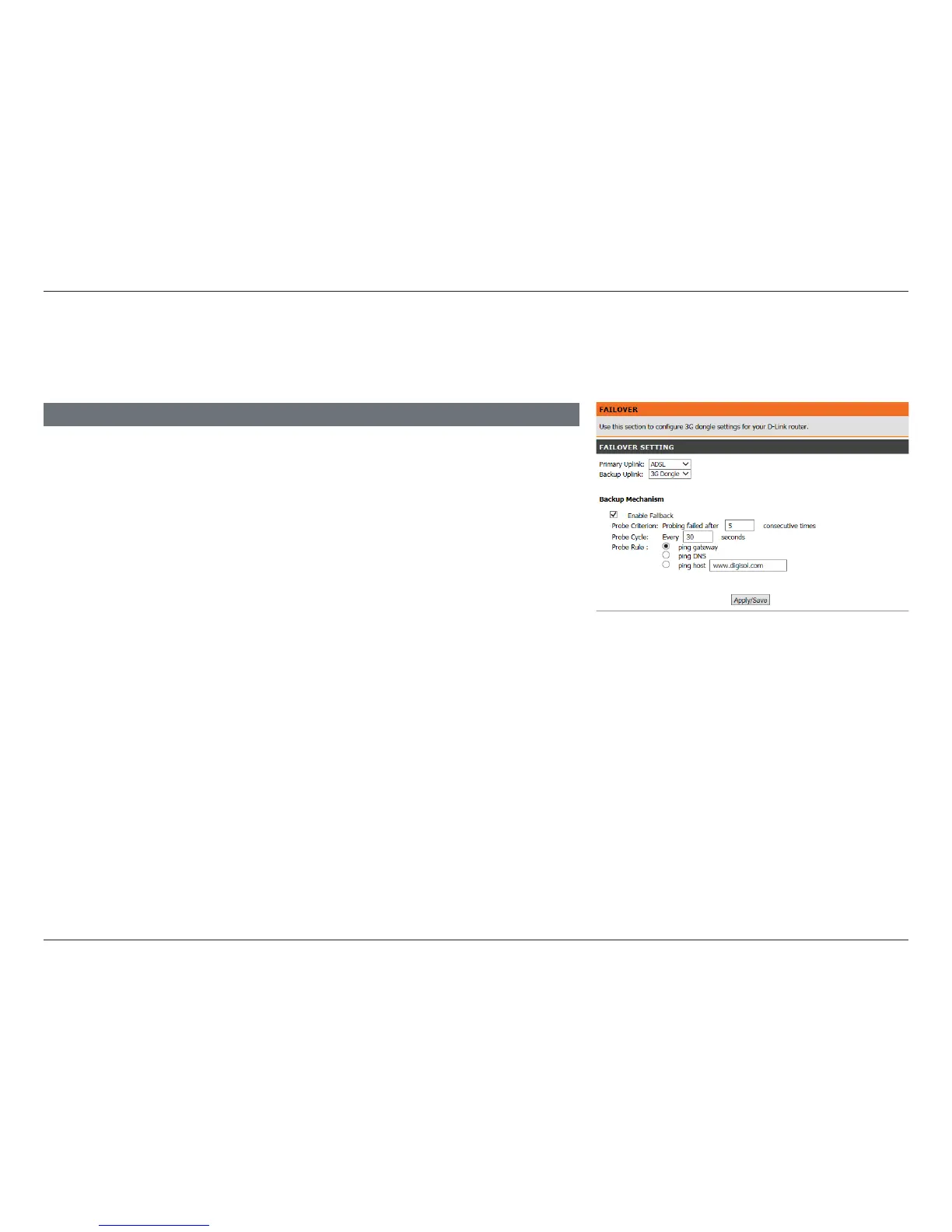
This section will allow you to congure your Internet failover priority. In the event that your primary Internet connection method
fails, this device can automatically fall back to using a secondary connection in order to maintain Internet connectivity.
Primary Uplink Select the primary Internet connection.
Backup Uplink: Select the backup Internet connection.
Enable Fallback: Check this box to enable Internet connection failover. The
following options will appear:
Probe Criterion: Enable fallback to the backup connection after the allotted number
of failures.
Probe Cycle: Test for Internet connectivity for the following interval.
Probe Rule: Select the method of testing for Internet connectivity.
FAILOVER SETTINGS
Click Save/Apply when you are done.















 To Next Page