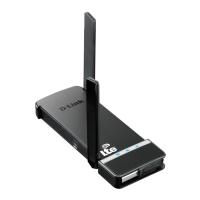
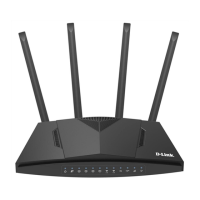
DWR-921 4G LTE Router
User Manual
Configuring via Web-based Interface
Parameter Description
Authentication protocol
Select a required authentication method from the drop-down list.
Username
A username (login) to connect to the network of the operator.
Password
A password to connect to the network of the operator. Click the
Show icon ( ) to display the entered password.
Type
An IP version which will be used by this connection. Select the
IPv4, IPv6, or Dual value from the drop-down list.
Figure 88. The page for creating a new Mobile Internet connection. The IPv4 section.
Parameter Description
IPv4 (for the Dual and IPv4 types)
Obtain DNS server
addresses
automatically
Move the switch to the right to configure automatic assignment of
DNS server addresses. Upon that the Primary DNS and
Secondary DNS fields are not available for editing.
Primary DNS /
Secondary DNS
Enter addresses of the primary and secondary DNS servers in the
relevant fields.
Figure 89. The page for creating a new Mobile Internet connection. The IPv6 section.
Page 102 of 255



 To Next Page