31D-Link DWR-922 User Manual
Section 4 - Conguration
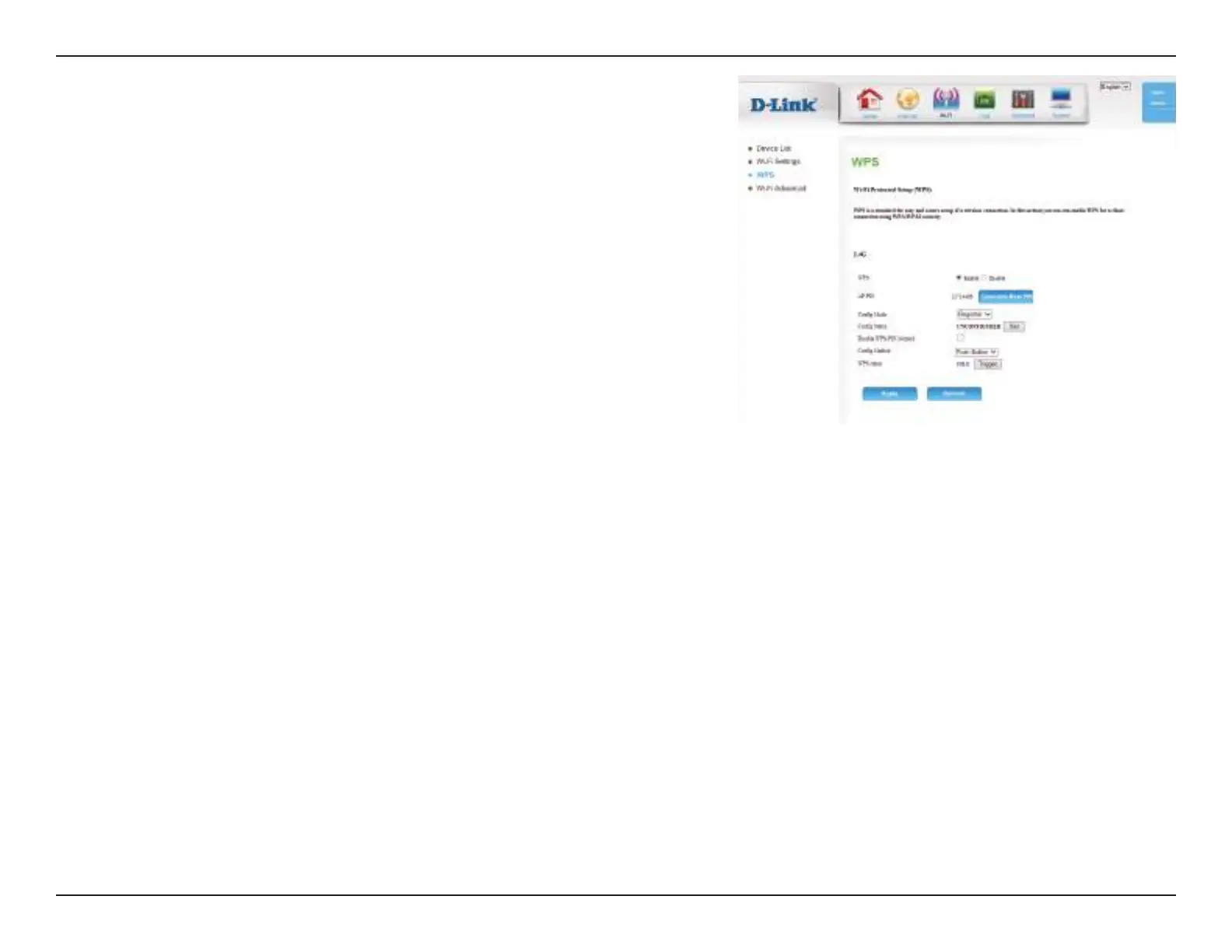
This lets you choose whether to use the Push Button connection
method (PBC) or PIN method to connect to a wireless client when
the Trigger button is clicked. If you choose the PIN method, you
will need to enter an 8-digit PIN number that the wireless client
needs to use to connect to your router.
This will show the current WPS connection process status. Click
the Trigger button to initiate a WPS connection.
Click Apply to save your settings, or Refresh to revert to your
previous settings.
Cong Method:
WPS status:



 To Next Page