11D-Link G530 User Manual
Section 2 - Installation
Setup Wizard
The setup wizard is designed to guide you through a step-by-step process of conguring your new G530 for Internet connection.
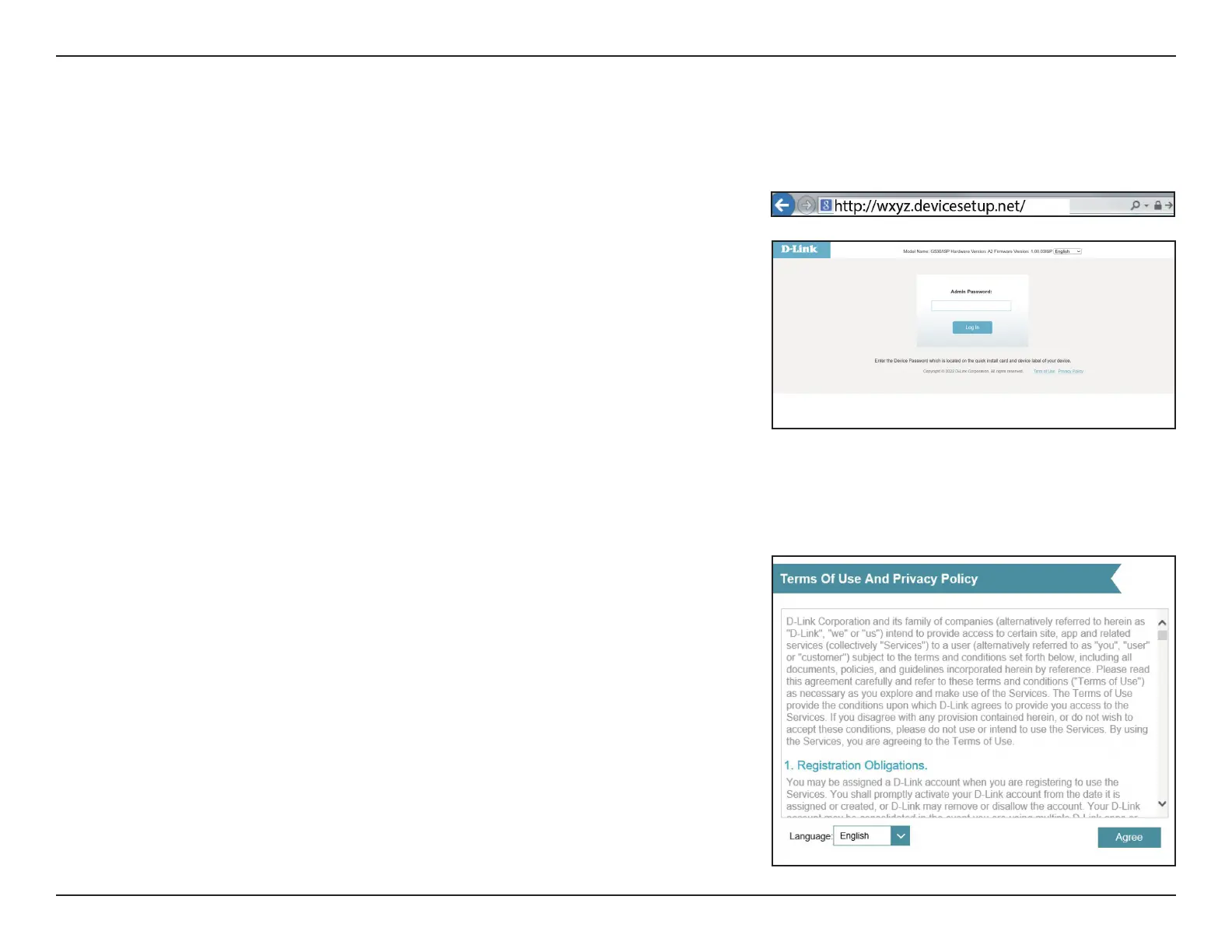
If this is your rst time installing the router, open your web browser and
enter http://xxxx.devicesetup.net/ into the browser (xxxx represents the
last 4 digits of the MAC address). Enter the Admin Password and click Log
In to start the conguration process. The web address and device password
are printed on the device label on the bottom of the device.
Agree to the Terms of Use and Privacy Policy before proceeding.



 To Next Page