89D-Link G530 User Manual
Section 3 - Conguration
Data Usage
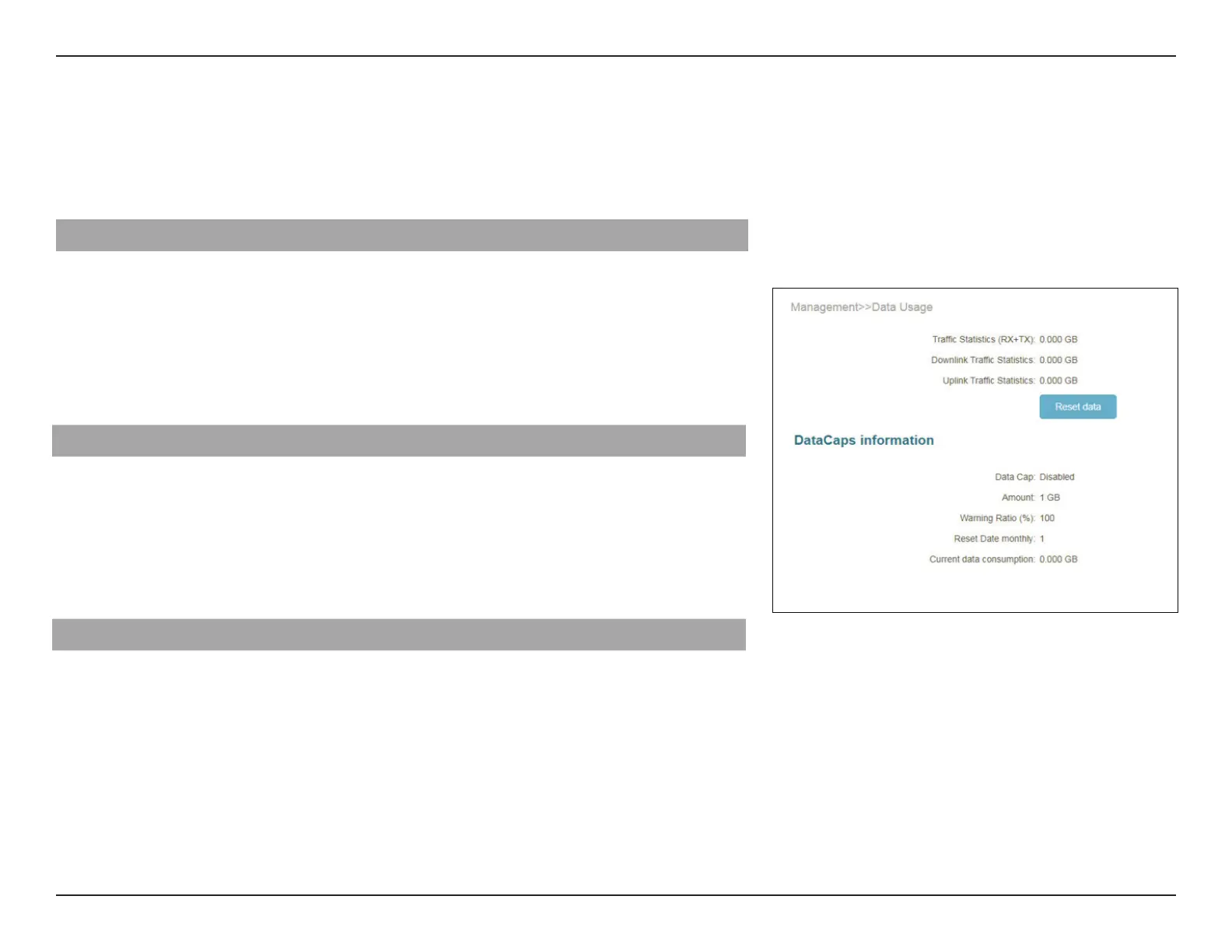
Go to Management > Data Usage. On the Data Usage page you can view the amount of Uplink and Downlink trac statistics
that passes through the router on the Internet and LAN interfaces as well as the trac from Wi-Fi 2.4 GHz and Wi-Fi 5GHz
networks.
Data Usage
Internet, LAN, Wi-Fi 2.4 GHz, or Wi-Fi 5 GHz. The real-time network
trac in GB/s will be shown.
The table below shown the total number of data usage that are sent and received through
the interface.
The trac counter will reset data if the device is rebooted.
Data Usage
Trac Statistics
(Rx+Tx):
Displays the current trac statistics of the router.
Downlink Trac
Statistics:
Displays the current downlink trac statistics of the router.
Uplink Trac
Statistics:
Displays the current uplink trac statistics of the router.
Datacaps information
Datacap: Display Data Cap Enable or Disabled.
Amount: Display amount of data usage.
Warning ratio(%): Display the warning ratio of data usage in percentage.
Reset Date monthly: Display number of reset date montly.
Current Data
Consumption:
Display the whole current data consumption.



 To Next Page