77D-Link G530 User Manual
Section 3 - Conguration
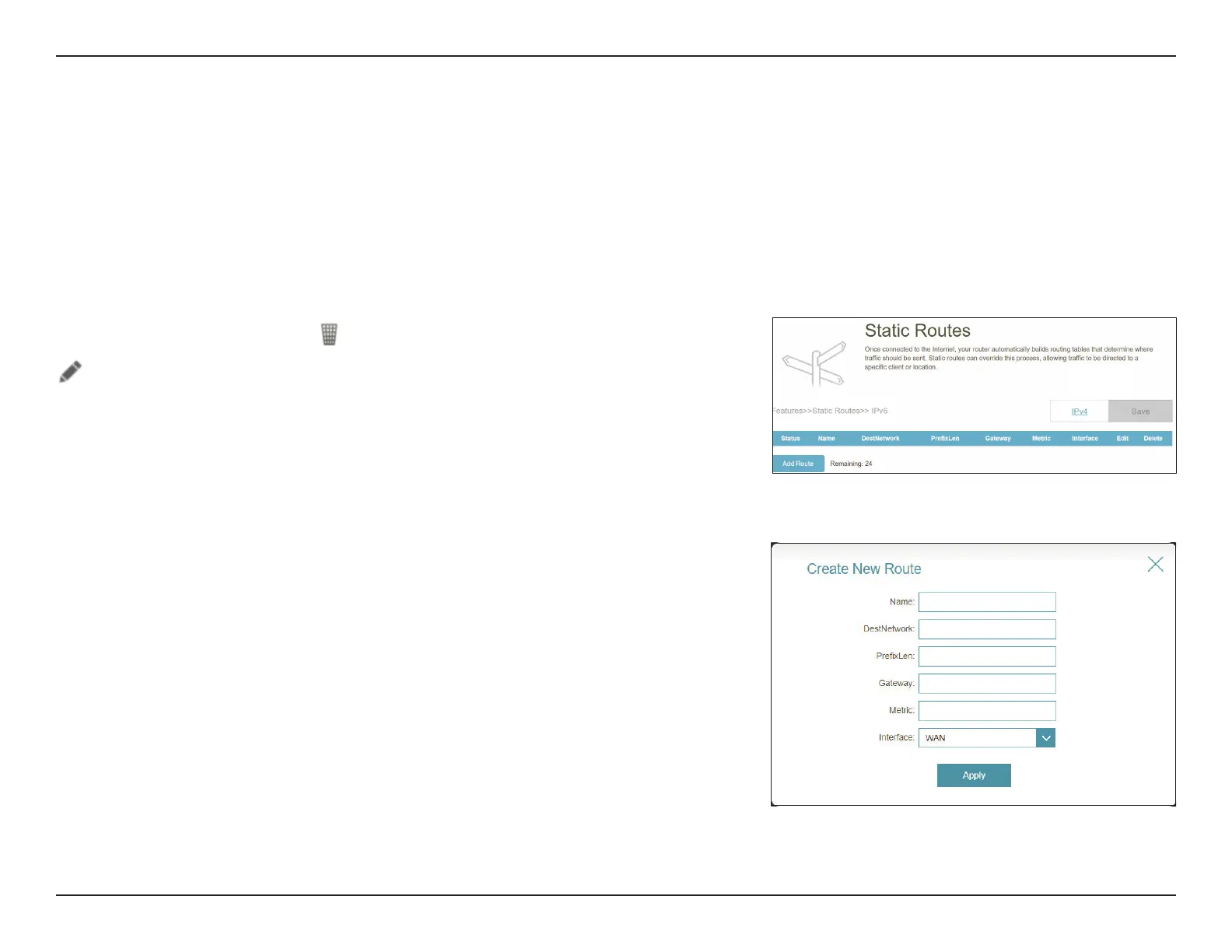
Static Routes - IPv6
Go to Features > Static Routes, then click IPv6 to congure the IPv6 Static Routes.
To congure the Static Route IPv4 settings, click the IPv4 tab. Refer to Static Routes - IPv4 on page 76.
Click Save at any time to save the changes you have made on this page.
Edit or Add Route, the following options will appear:
Name: Enter a name for the route.
DestNetwork: Enter the destination IP address of this route.
PrexLen: Enter the number of prex bits of the IP address that will take
this route.
Gateway: Enter your next hop gateway to be taken if this route is in use.
Metric: Enter a route metric value between 1 and 128. This value
indicates the cost of using this route and with 1 as the lowest
cost.
Interface: Select an interface that the IP packet must use to transit out
of the router when this route is in use.
If you wish to remove a rule, click
in the Delete column. If you wish to edit a rule, click
in the Edit column. If you wish to create a new rule, click the Add Rule button.



 To Next Page