67D-Link G530 User Manual
Section 3 - Conguration
PIN
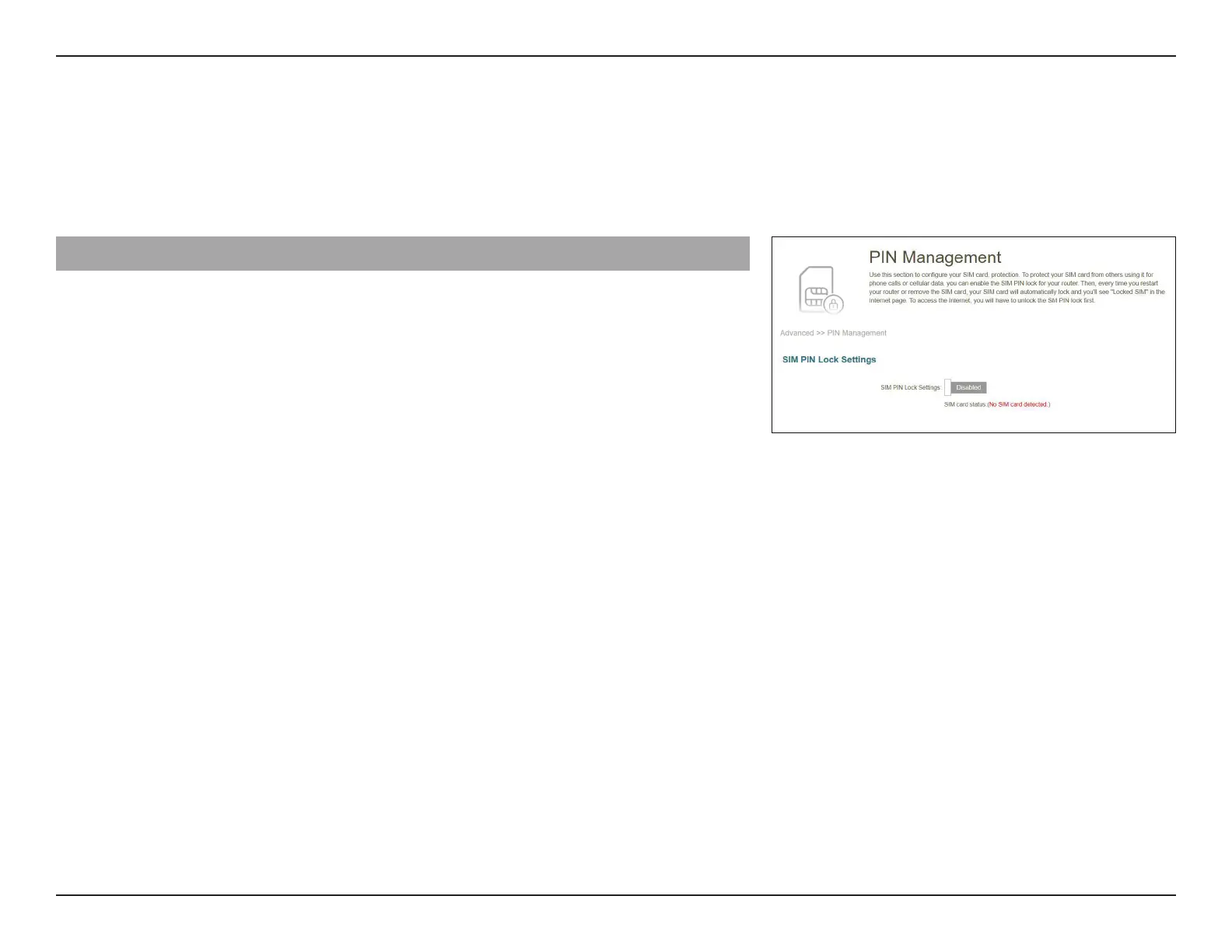
Go to Features -> Pin to congure your SIM card’s PIN. Click Save at any time to save the changes you have made on this page.
Inbox
SIM PIN Lock Settings: Enable or disable SIM PIN Lock
SIM card status: Displays the status of your SIM card.
To change your SIM’s PIN, enter a new PIN in the PIN text eld. After enabling
your PIN protection, you'll have to input your PIN whenever your SIM card is
switched.
Click Apply when you are done.



 To Next Page