62D-Link G530 User Manual
Section 3 - Conguration
Block Internet Access
During Bedtime:
Allow Slow Internet
Access:
Click Enabled and dene a schedule to block Internet access
during bedtime.
To add a bedtime schedule:
Select the time during which bedtime schedule will be active.
Select the days of the week, then select the pause time and
the resume time for the period during which Internet access
will be blocked. To specify dierent time periods for days of
the week, click Add another Bedtime schedule... A maximum
of 2 schedules can be dened.
Enable this option to allow slow Internet access with reduced
speed during restricted hours set above.
You can also modify an existing schedule by clicking
Edit.
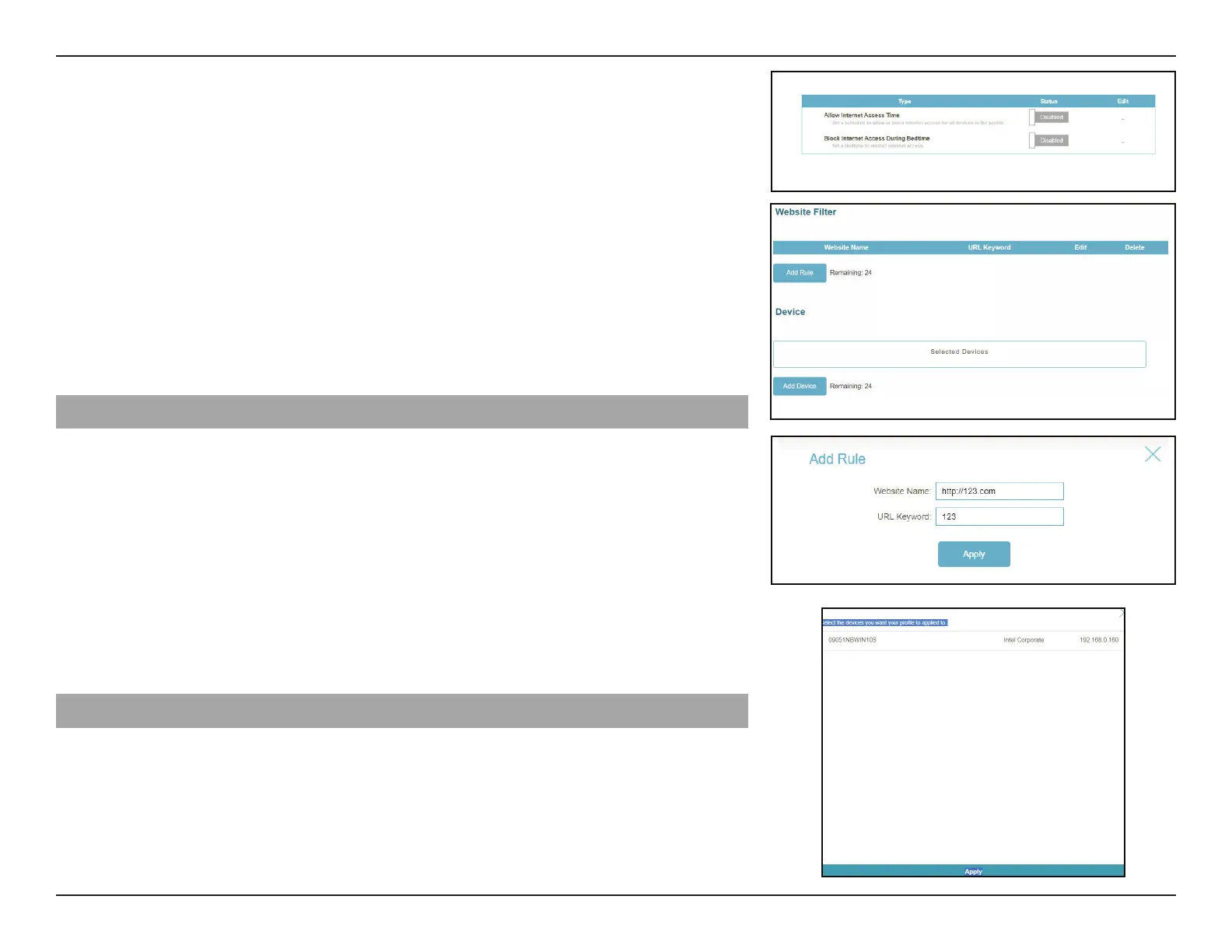
Website Filter
Add Rule to add a new website to be blocked:
Website Name:
URL Keyword:
Enter a name for the website. This blocks access to websites
based on a website's address. For example, enter "ABC.com"
or "www.ABC.com."
This blocks access to websites based on the keywords with
matching URLs. For example, use "ABC" to block "www.ABC.
com" and "xxx.ABC.com" and other URLs containing ABC. Enter
the same website name as the above in this eld to block only
the specic URL.
You can also modify or delete an existing rule by clicking
Edit or Delete respectively.
Device
Add Device to add devices into the dened prole. Select the devices from the list of
connected devices to which the access policy should be applied, then click
Apply to close
Save to save your prole settings and the new prole will be added to
the prole list. You can also modify or delete an existing prole by clicking
Edit or Delete
respectively. On the Edit page for a selected prole, you can
Pause for Internet Access
of specied devices of the prole immediately.



 To Next Page