33D-Link G530 User Manual
Section 3 - Conguration
Internet - IPv6
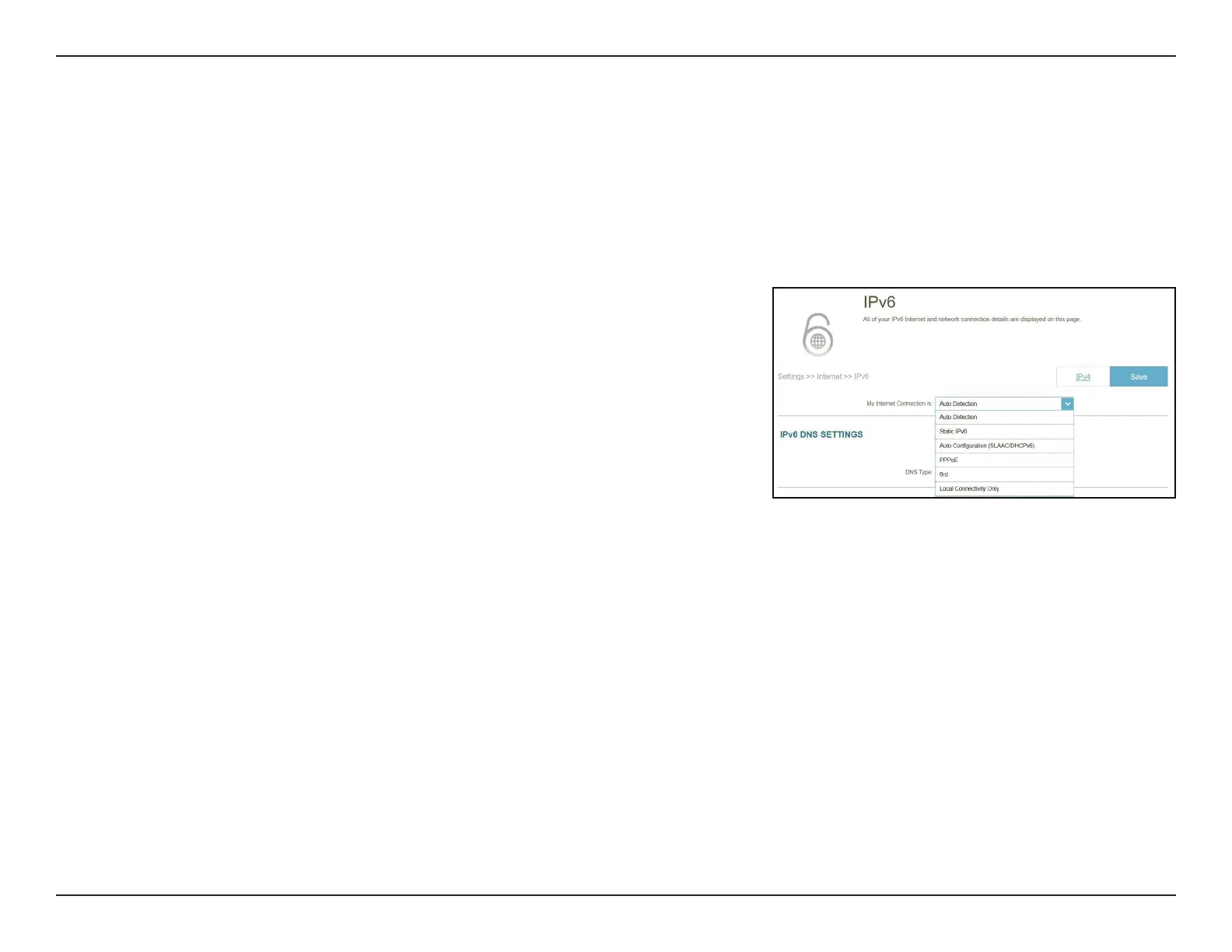
Go to Settings > Internet to see the Internet conguration options for IPv4 , then click the IPv6 tab to access the
conguration options for IPv6.
To congure the IPv4 Internet and network connection details, click the IPv4 tab. Refer to Internet - IPv4 on page 28
Click Save at any time to save the changes you have made on this page.
For IPv6 - Auto Detection refer to page 34
For IPv6 - Static IPv6 refer to page 36
For IPv6 - Auto Conguration (SLAAC/DHCPv6) refer to page 38
For IPv6 - PPPoE refer to page 40
For IPv6 - 6rd refer to page 44
For IPv6 - Local Connectivity Only refer to page 46
My Internet
Connection is:
Choose your Internet connection type from the drop-down
menu. You will be presented with the appropriate options for
your connection type.



 To Next Page