40D-Link G530 User Manual
Section 3 - Conguration
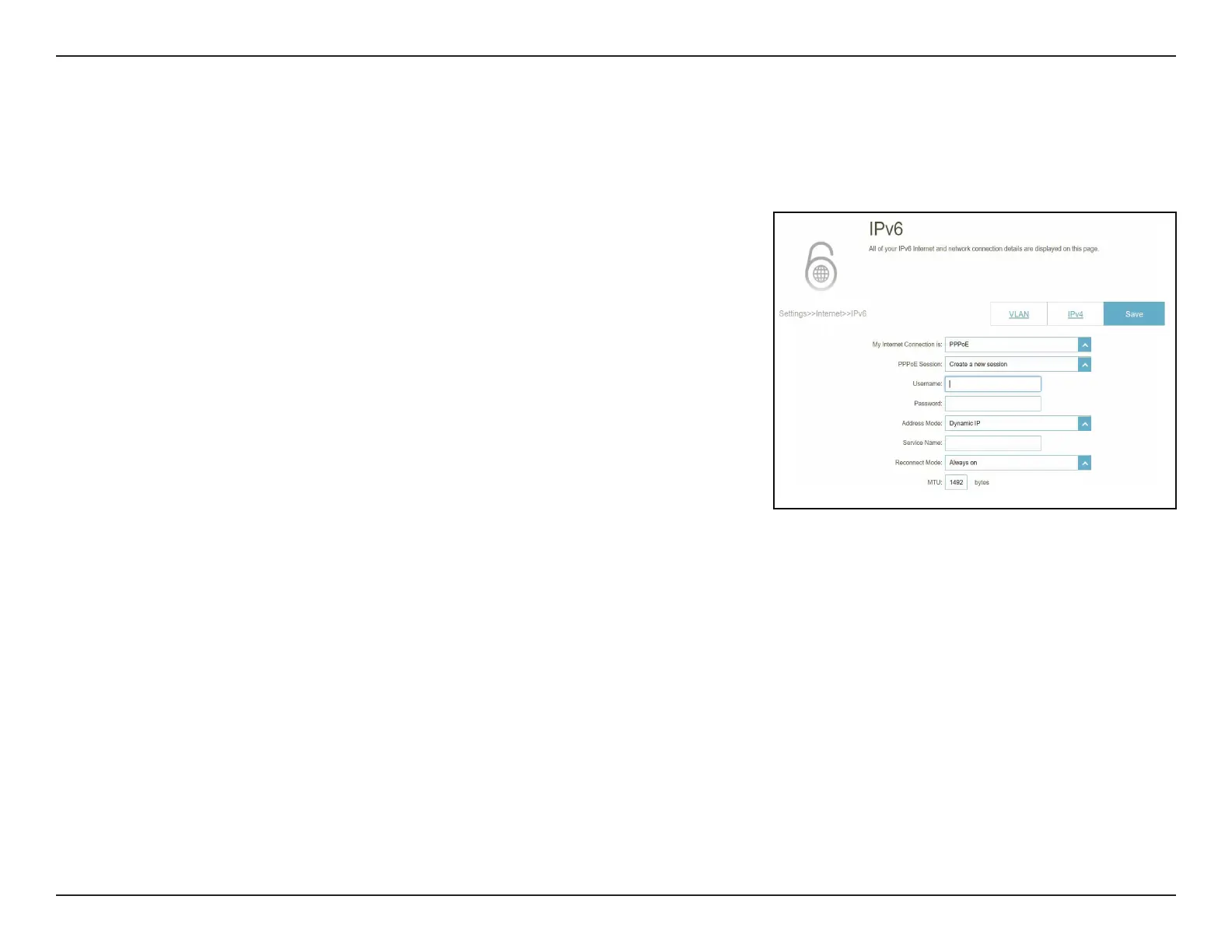
IPv6 - PPPoE
Select PPPoE if your ISP requires you to enter a PPPoE username and password to connect to the Internet. Click Save at any
time to save the changes you have made on this page.
PPPoE Session: Create a new PPPoE session.
Username: Enter the username provided by your ISP.
Password: Enter the password provided by your ISP.
Address Mode: Select either Dynamic IP or Static IP.
IP Address: Configurable if Static IP is chosen. Enter the IP address
provided by your ISP.
Service Name: Enter the ISP service name (optional).
Reconnect Mode: Select either Always On or Manual.
MTU: Maximum Transmission Unit - you may need to change the
MTU for optimal performance with your ISP. The default is
1492 bytes.



 To Next Page