70D-Link G530 User Manual
Section 3 - Conguration
Firewall Settings - IPv4/IPv6 Rules
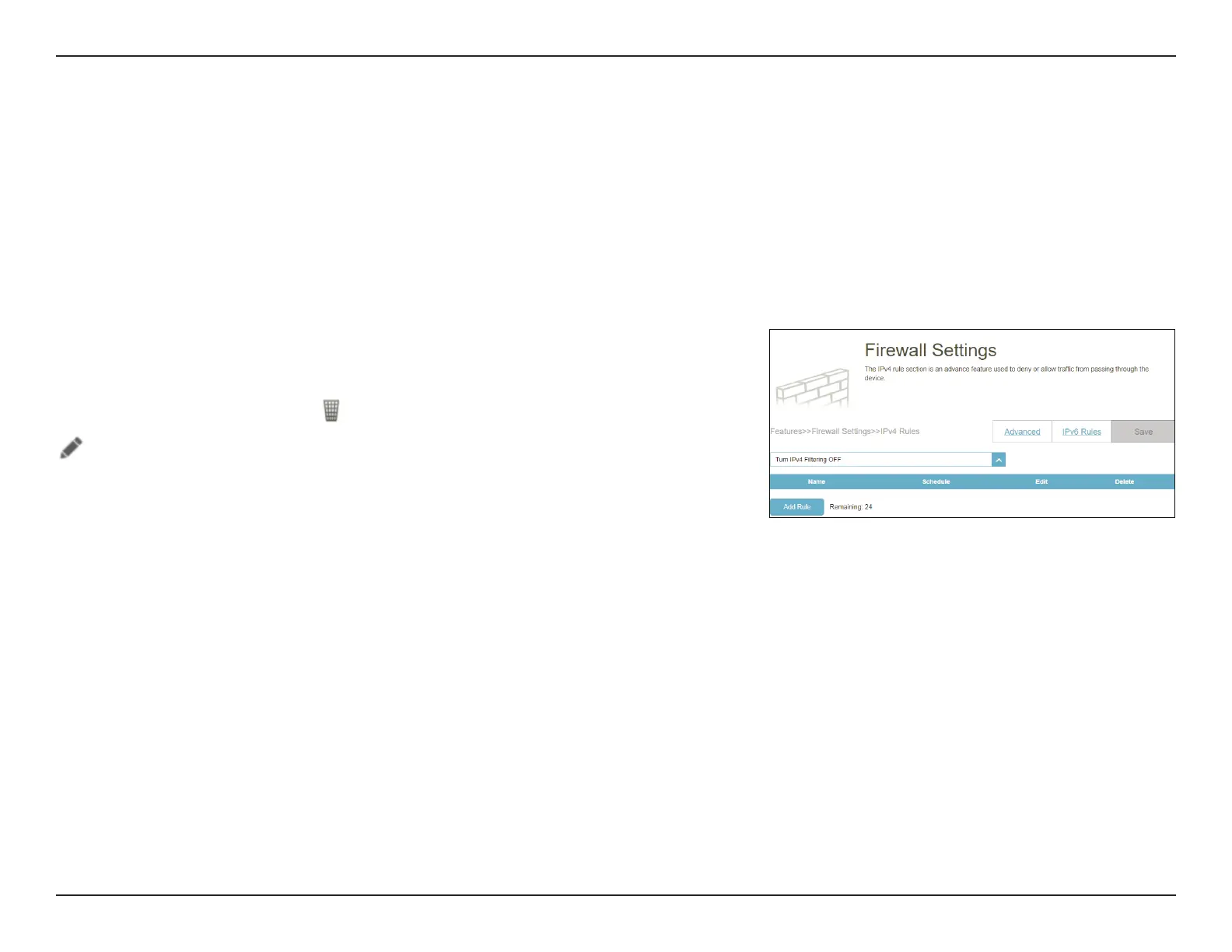
To begin, use the drop-down menu to select whether you want to ALLOW or DENY the
rules you create. You can also choose to turn OFF ltering.
If you want to remove a rule, click
in the Delete column. If you wish to edit a rule, click
in the Edit column. If you wish to create a new rule, click the Add Rule button.
Go to Features > Firewall, then click the IPv4 Rules tab or the IPv6 Rules tab to congure rules for ltering the inbound/
outbound trac based on parameters like IP address with ports.
To congure the Firewall Advanced settings, click the Advanced link. Refer to Firewall on page 68
Click Save at any time to save the changes you have made on this page.



 To Next Page