65D-Link G530 User Manual
Section 3 - Conguration
SMS
Go to Features -> SMS to send or receive SMS messages. This page shows all messages that are stored on the SIM card. Click
Save at any time to save the changes you have made on this page.
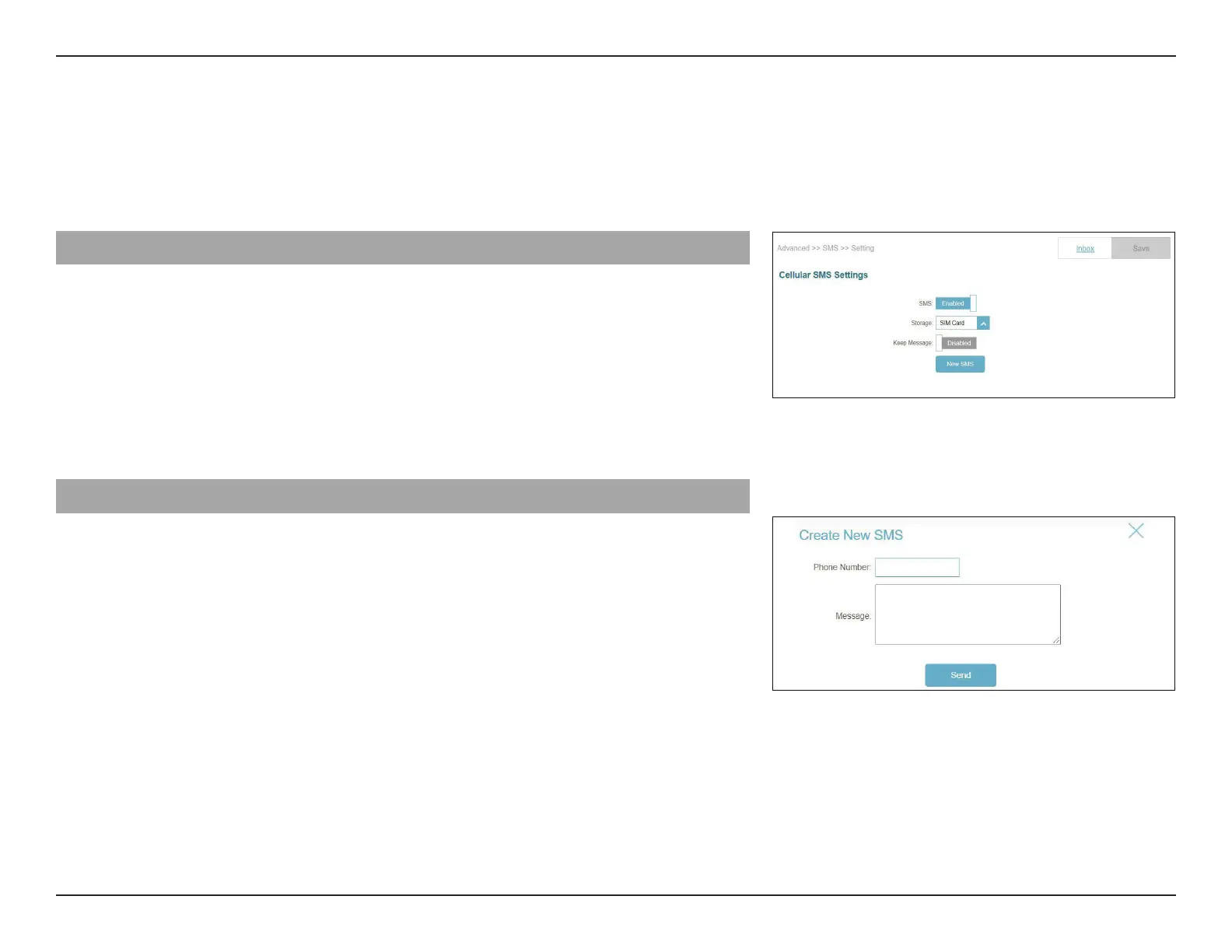
Cellular SMS Settings
SMS: Enable or disable the SMS receiving function.
Storage: Select SIM Card or Modem to store the SMS messages.
Keep Message: Enable or disable Keep Message.
Keep Number: Set the amount of SMS messages to be saved. Up to 20
messages can be saved.
Click New SMS to create new SMS messages.
Cellular SMS Settings
Phone Number: Enter the phone number of a recipient.
Message Enter your message here.



 To Next Page