4D-Link G530 User Manual
Section 1 - Product Overview
Hardware Overview
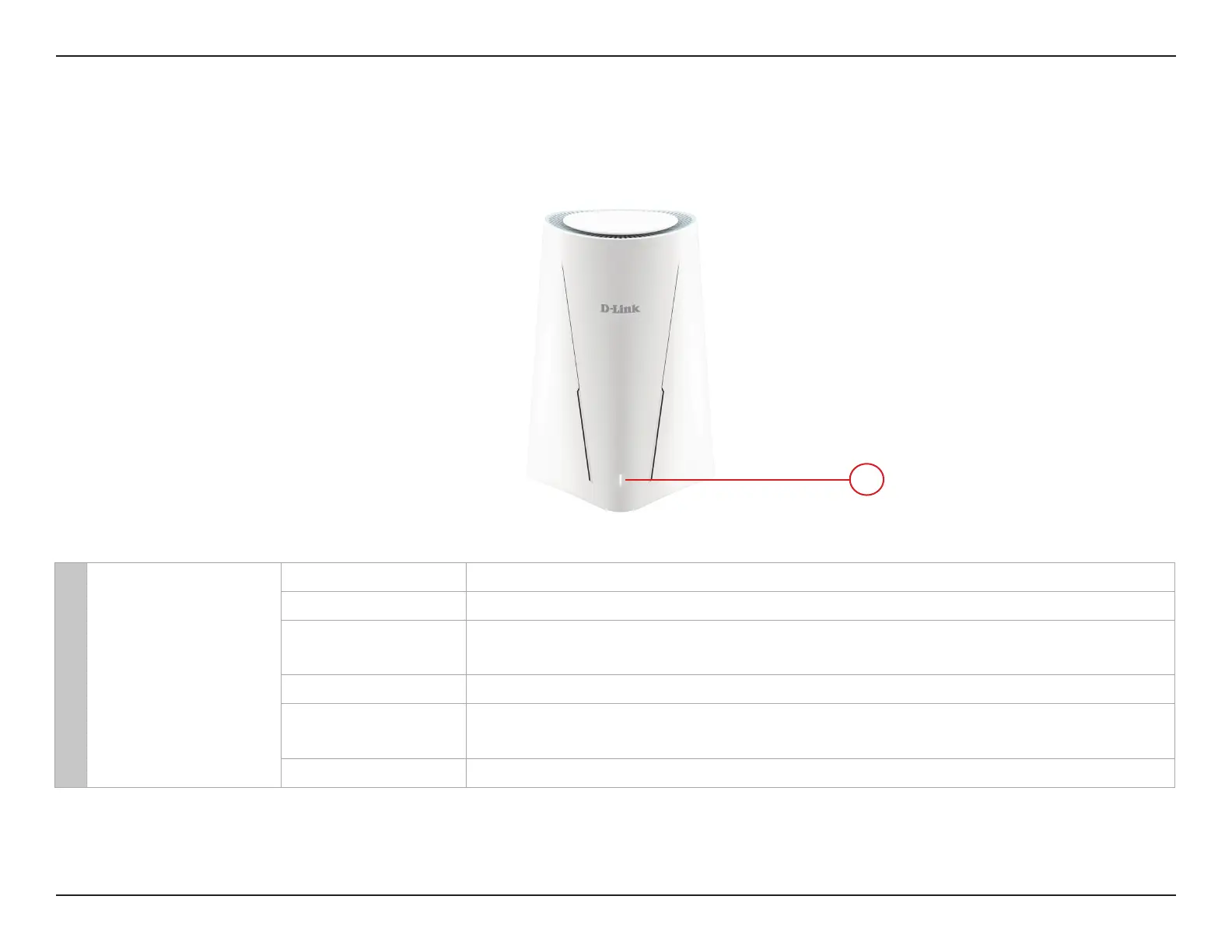
Front View: LED Indicator
1 Power/ Status
Solid White The device is on and ready for 5G/4G/3G or Wi-Fi connection.
Blinking White The device is in WPS process.
Blinking Orange
The device is not inserted with a SIM card, inserted with a locked SIM card, or
there is no cellular signal.
Solid Red The device has system errors.
Blinking Red
The device is powering on, restoring to default factory setting, or
undergoing reboot process.
O The device is o.
1



 To Next Page