60D-Link G530 User Manual
Section 3 - Conguration
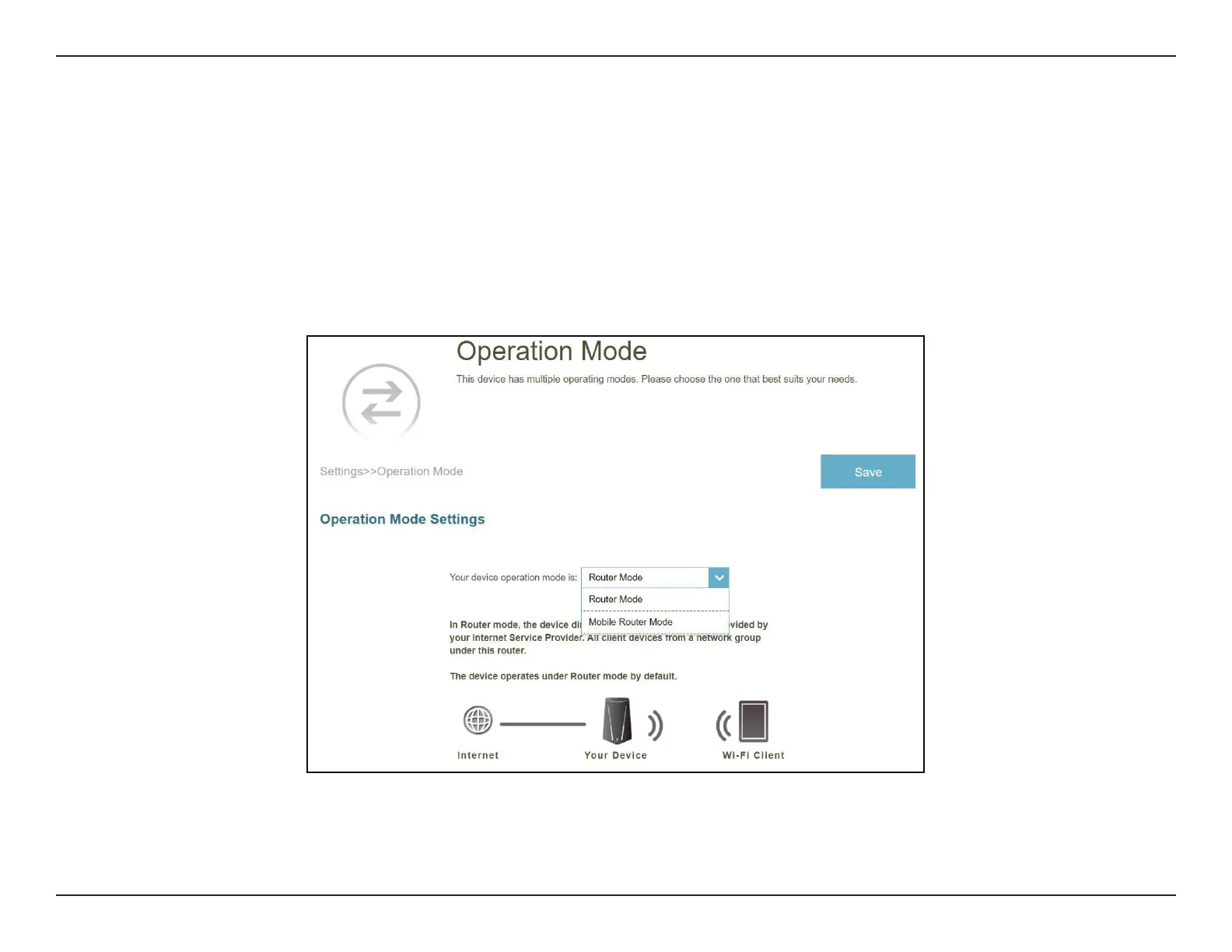
Operation Mode
Go to Settings > Operation Mode to select your operation mode. Depending on your network architecture, you can
congure the router to function as one of the following types of network device: Router or Mobile Router.
Router Mode: In this mode, G530 directly connects to the Internet provided by your ISP. All client devices from a network
group are connected and managed under this router. This is the default mode.
Mobile Router: In this mode, G530 connects to the Internet via 5G/LTE network provided by your Cellular Internet Service
Provider. All client devices from the network group are connected and managed under this mobile router.



 To Next Page