84D-Link G530 User Manual
Section 3 - Conguration
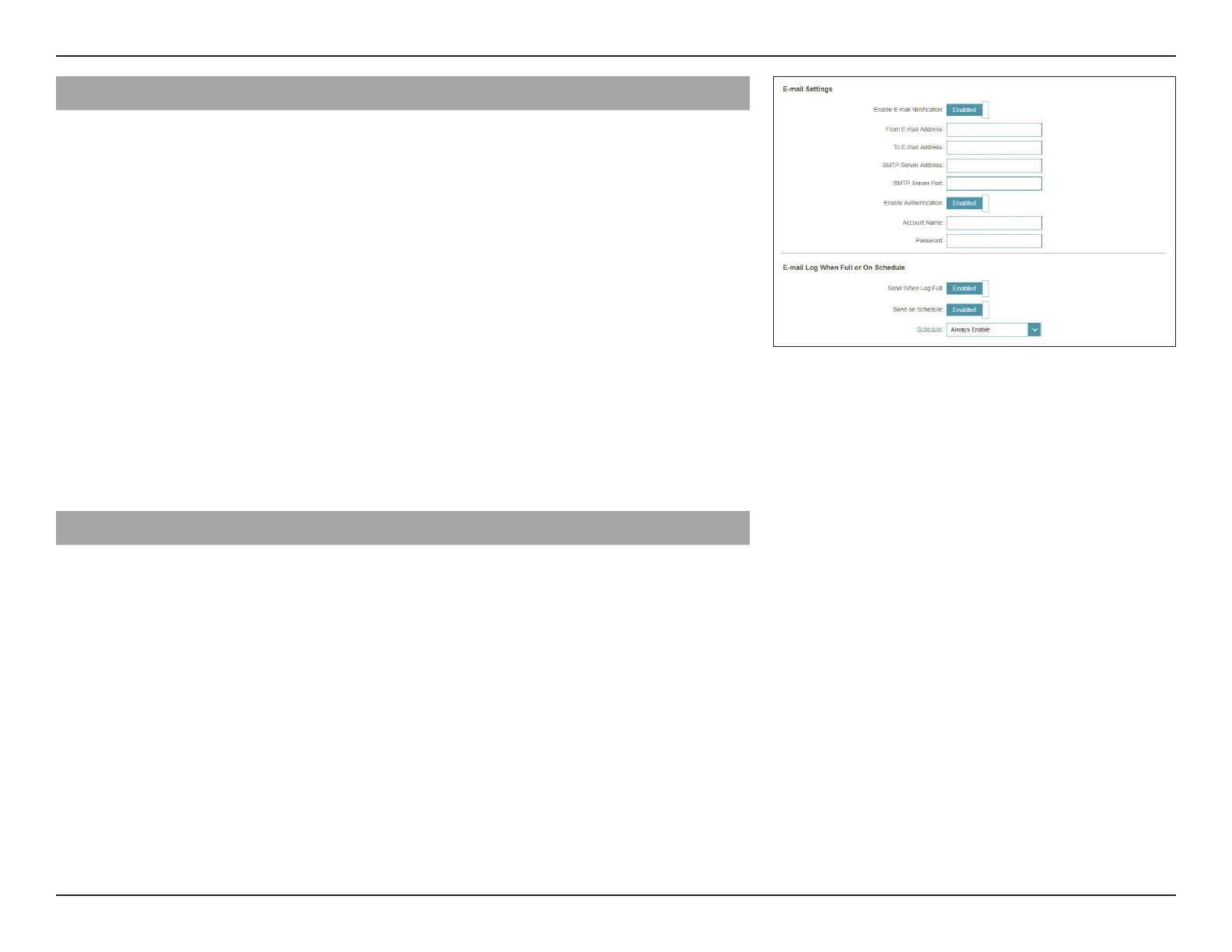
Email Settings
Enable E-mail
Notication:
Enable this option if you want the logs to be automatically sent to
an email address.
Enable E-mail Notication, congure the following options:
From E-mail
Address:
Enter an email address your SysLog messages will be sent from.
To E-mail Address: Enter an email address your SysLog messages will be sent to
SMTP Server
Address:
Enter your SMTP server address.
SMTP Server Port: Enter your SMTP server port. The default is 25.
Enable
Authentication:
Enable this option if your SMTP server requires authentication.
Account Name: Enter your SMTP account name.
Password: Enter your SMTP account password.
E-mail Log When Full or On Schedule
Send When Log
Full:
If enabled, the router is set to automatically send the log when
it is full.
Send on Schedule: If enabled, the router is set to send the log according to a set
schedule periodically, so an administrator can always be up to date
on the router's operation.
Schedule: If you want to enable Send On Schedule, use the drop-down menu
to select a schedule to apply. The schedule may be set to Always
Enable, or you can create your own schedules in the Schedules
section. Refer to Time & Schedule - Schedule on page 82 for
more information.



 To Next Page