47D-Link G530 User Manual
Section 3 - Conguration
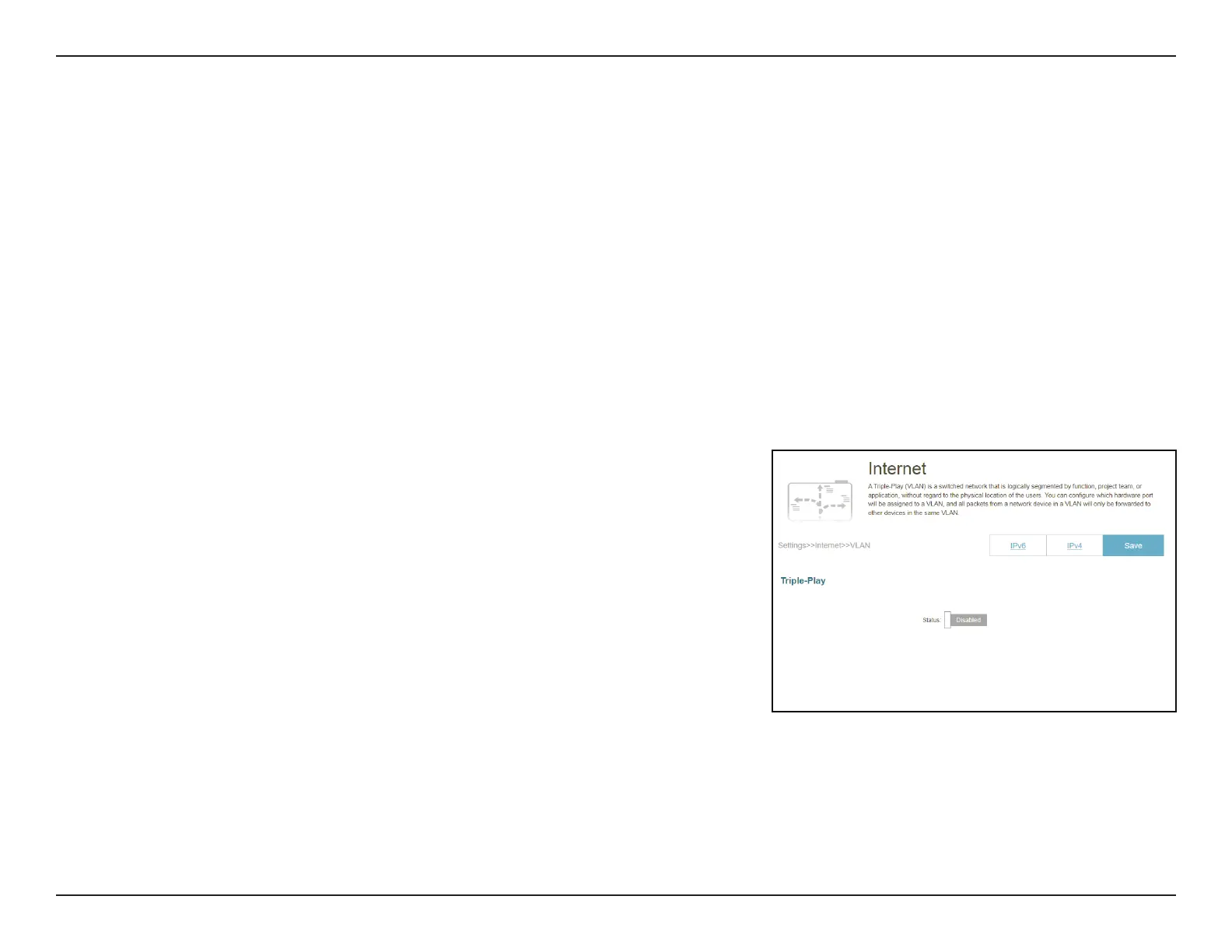
In the Settings menu on the bar at the top-left of the page, click Internet to see the Internet conguration options for the IPv4 connection
details, then click the VLAN link to access the conguration options for the VLAN connection details.
VLAN allows for services such as Triple-Play to be used, and divides a network into segments that can only be accessed by other devices in the
same VLAN.
To congure the IPv4 Internet and view network connection details, click the IPv4 link. Refer to Internet - IPv4 on page 28
To congure the IPv6 Internet and view network connection details, click the IPv6 link. Refer to Internet - IPv6 on page 33
Click Save at any time to save the changes you have made on this page.
Status: Displays the current ULA prex. lick to enable or disable the Triple-Play VLAN
feature. More conguration options will be available if the Status is enabled.
Internet - VLAN



 To Next Page