85D-Link G530 User Manual
Section 3 - Conguration
System Admin - Admin
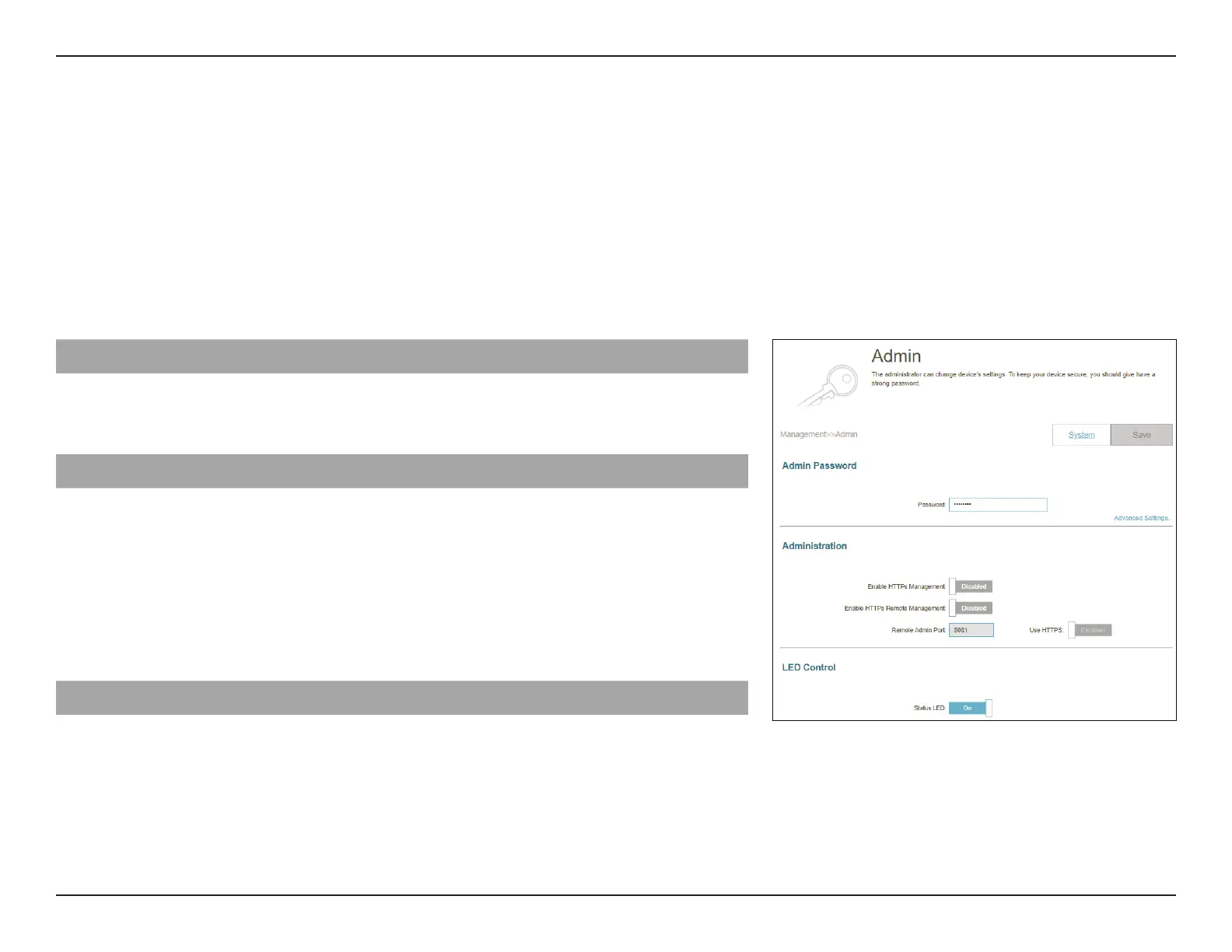
Go to Management > System Admin. The Admin page will allow you to change the administrator (Admin) password.
To congure the System settings, click the System tab. Refer to System Admin - System on page 86
Click Save at any time to save the changes you have made on this page.
Admin Password
Password: Enter a new password for the administrator account. You will
need to enter this password whenever you congure the
router using a web browser.
Advanced Settings... - Administration
Enable HTTPs
Management:
Enable HTTPs Remote
Management:
Enable HTTPS to connect the router securely.
Enable Remote Management over the Internet using
encrypted HTTP connection.
Remote Admin Port: Specify the port number for accessing the web conguration
interface. The default is 8081.
LED Control
Status LED: Turn the LED status lights on or o.



 To Next Page