74D-Link G530 User Manual
Section 3 - Conguration
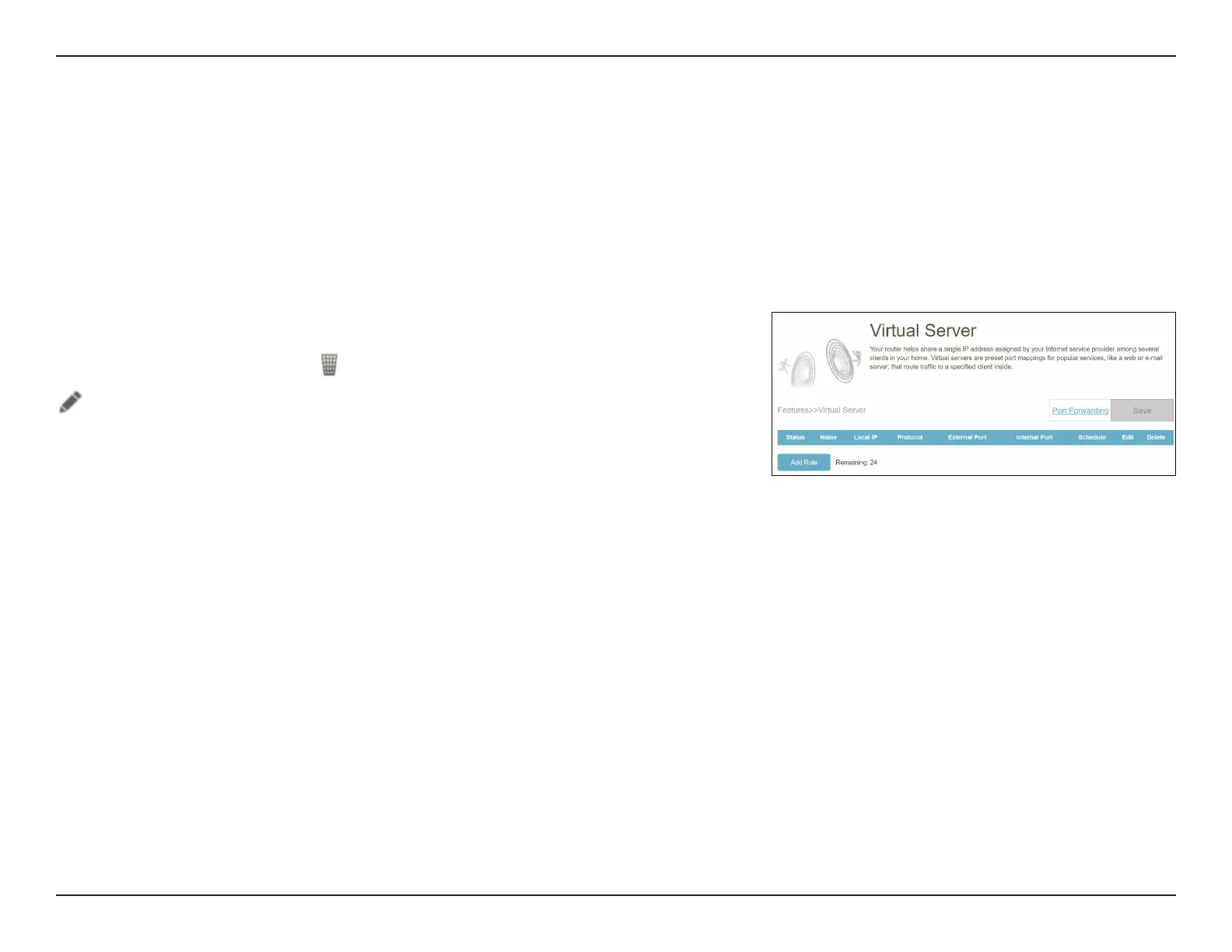
Port Forwarding - Virtual Server
Go to Features > Port Forwarding to click on the Virtual Server tab for conguring its settings and specifying a single
public port on your router for redirection to an internal LAN IP with the mapped port. This might be necessary if you are
hosting services behind the router.
To congure the Port Forwarding settings, click the Port Forwarding link. Refer to Port Forwarding on page 72
Click Save at any time to save the changes you have made on this page.
If you wish to remove a rule, click in the Delete column. If you wish to edit a rule, click
in the Edit column. If you wish to create a new rule, click the Add Rule button.



 To Next Page