73D-Link G530 User Manual
Section 3 - Conguration
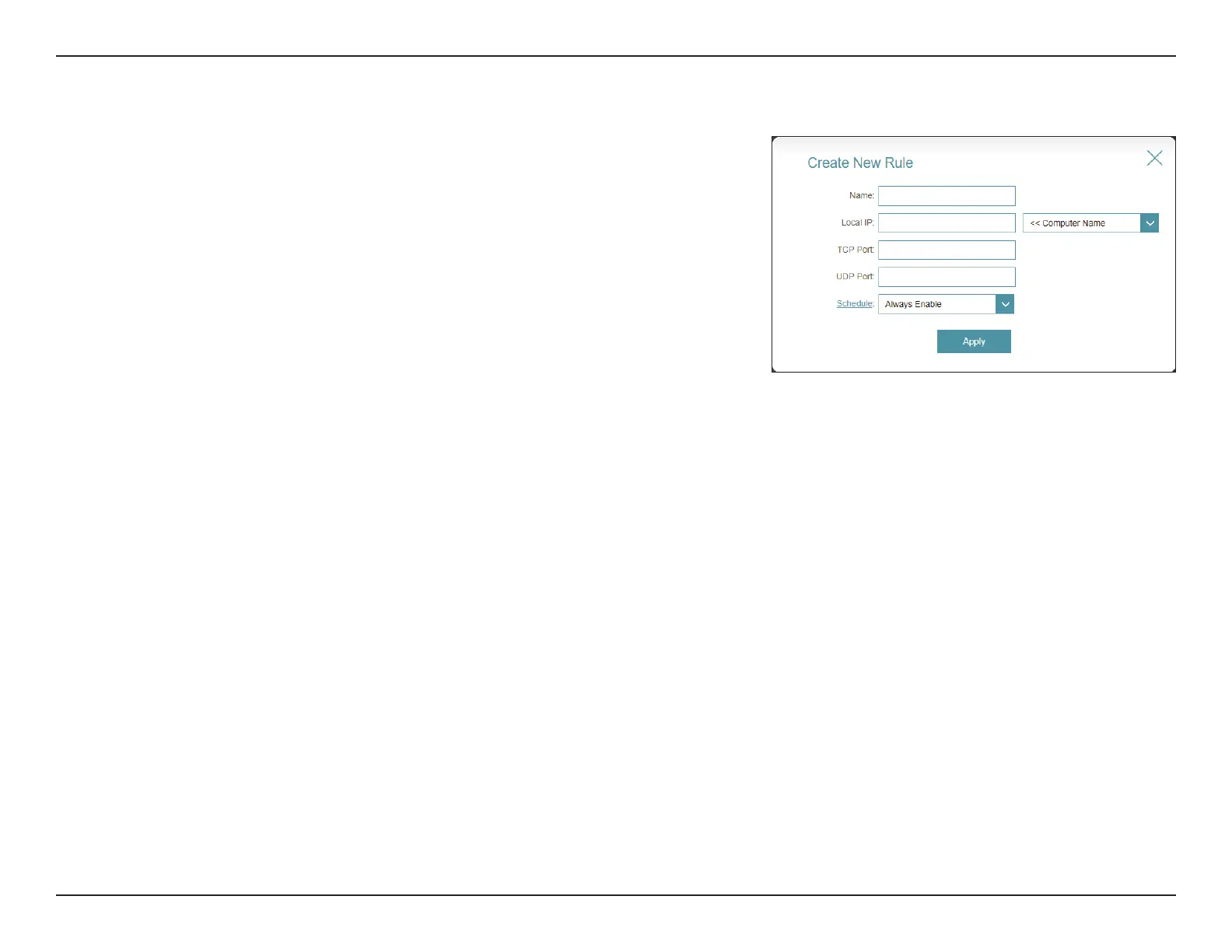
Edit or Add Rule, the following options will appear:
Name: Enter a name for the rule.
Local IP: Enter the IP address of the device on your local network to
which you want to direct the incoming service. Alternatively,
select the device from the drop-down menu.
TCP Port: Enter the TCP ports that you want to forward. You can enter
a single port or a range of ports and separate ports with a
comma (for example: 24,1009,3000-4000).
UDP Port: Enter the UDP ports that you want to forward. You can enter
a single port or a range of ports and separate ports with a
comma (for example: 24,1009,3000-4000).
Schedule: Use the drop-down menu to select a time schedule that
the rule will be enabled on. The schedule may be set to
Always Enable, or you can create your own schedules in the
Schedules section. Refer to Time & Schedule - Schedule on
page 82 for more information.



 To Next Page