19D-Link G530 User Manual
Section 3 - Conguration
Conguration
Note: If you cannot remember your password for login, use a paperclip to press
the recessed Reset button on the bottom of the device to restore the router to its
default settings.
The router’s home page will open displaying its current connection status.
The left pane has quick access to Settings, Features, and Management
functions.
Note: The system will automatically log out after a period (180 seconds) of
inactivity.
The Wi-Fi Name(SSID), Wi-Fi Password, and device password are printed on
the device label and the Quick Installation Card.
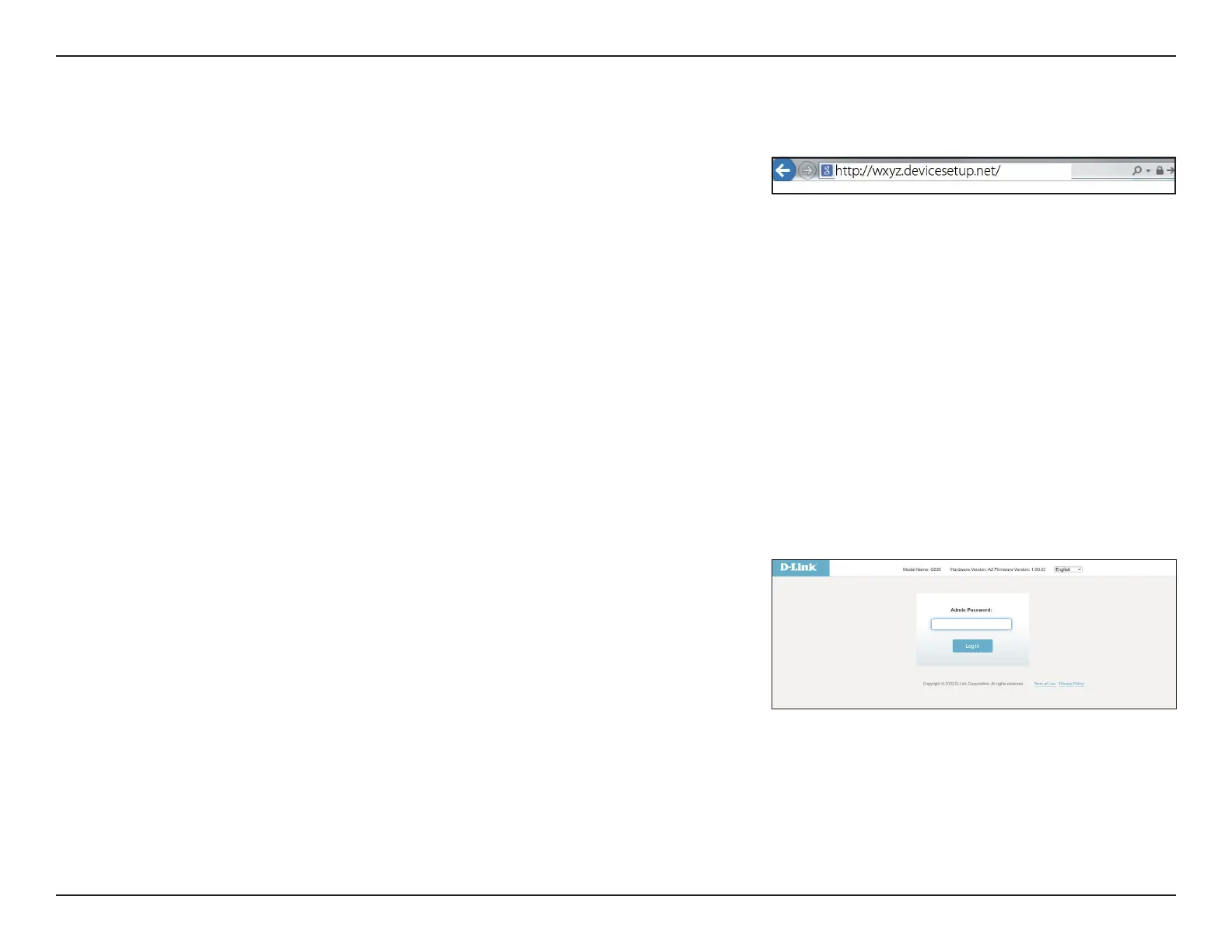
If this is your rst time installing the router, open your web browser and
enter the default management address at
http://XXXX.devicesetup.net/.
(where XXXX represents the last 4 characters of the MAC address).



 To Next Page