78D-Link G530 User Manual
Section 3 - Conguration
Dynamic DNS
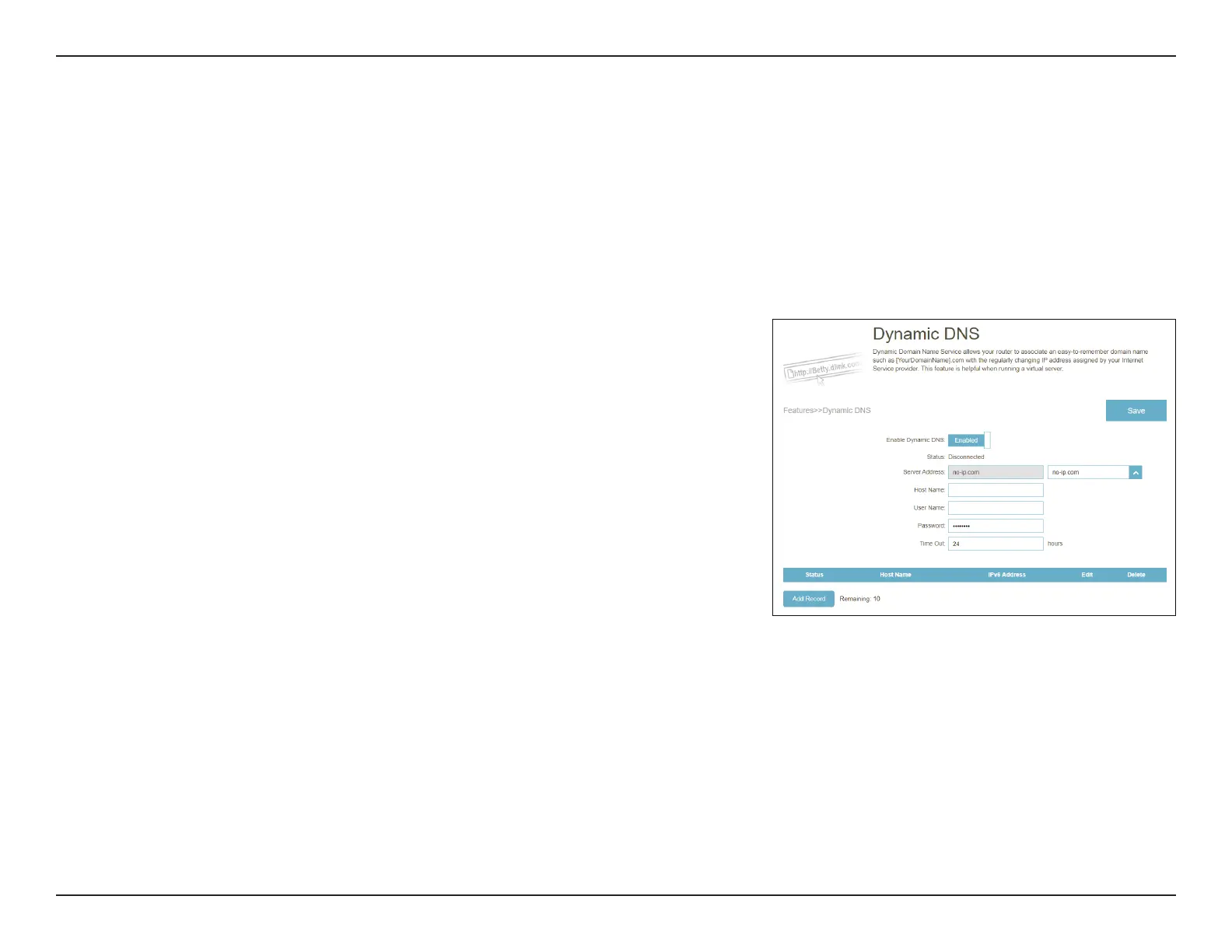
Go to Features > Dynamic DNS. This page allows your router to associate an easy-to-remember domain name such as
[YourDomainName].com with a regularly changing IP address assigned by your Internet Service provider. This feature is
helpful when running a virtual server.
Click Save at any time to save the changes you have made on this page.
Enable Dynamic DNS: Enable or disable dynamic DNS. Enabling this feature will
reveal further conguration options.
Status: Displays the current dynamic DNS connection status.
Server Address: Select a Dynamic DNS server from the drop-down menu.
Host Name: Enter the host name that you registered with your dynamic
DNS service provider.
User Name: Enter your dynamic DNS account username.
Password: Enter your dynamic DNS account password.
Time Out: Enter a time-out value (in hours) to indicate how often the
router should update its Dynamic DNS settings.
A maximum of 10 records can be dened.



 To Next Page