22D-Link G530 User Manual
Section 3 - Conguration
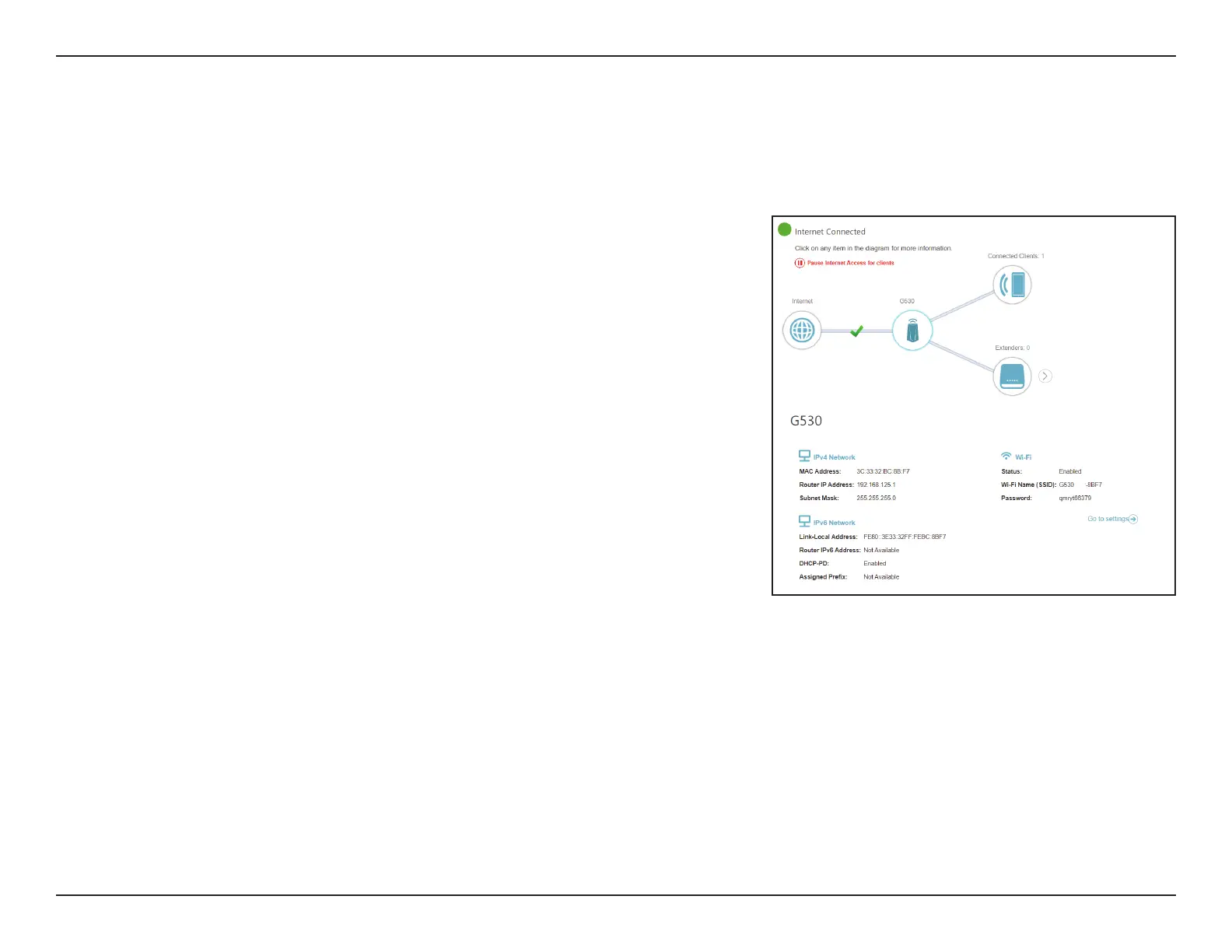
Click on the G530 icon to view details about the router and its wireless settings.
Here you can see the router’s current Wi-Fi network name and password, as
well as the router's MAC address, IPv4 address, and IPv6 address.
To recongure network settings, either click Go to settings at the bottom of
the page, or click Settings > Network (in the left pane). Refer to Network on
page 57 for more information.
To recongure wireless settings, either click Go to settings, on the lower
right, or click Settings > Wireless menu (in the left pane). Refer to Wireless
on page 49 for more information.
G530



 To Next Page