68D-Link G530 User Manual
Section 3 - Conguration
Firewall
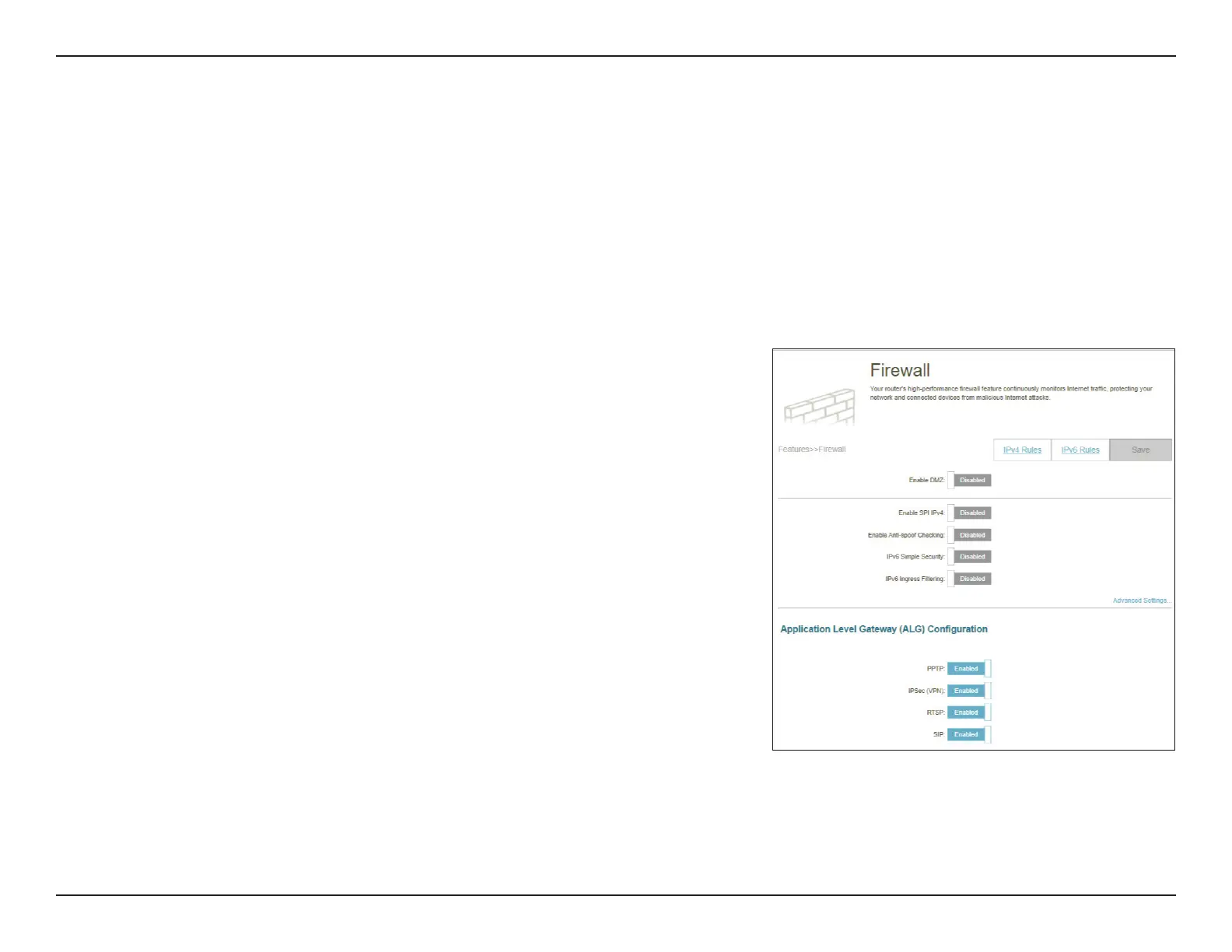
Go to Features > Firewall to congure the router’s rewall settings. The rewall feature protects your network from
malicious attacks over the Internet.
To congure your IPv4 rewall rules, click the IPv4 Rules tab. Refer to Firewall Settings - IPv4/IPv6 Rules on page 70
To congure your IPv6 rewall rules, click the IPv6 Rules tab. Refer to Firewall Settings - IPv4/IPv6 Rules on page 70
Click Save at any time to save the changes you have made on this page.
Enable DMZ: Enable or disable Demilitarized Zone (DMZ). Devices in this
zone are completely exposed to threats over the Internet. It
is not recommended to enable DMZ unless the clients are
servers that must be exposed to the WAN.
DMZ IP Address: If you enable DMZ, enter the IP address of the client to be
placed in this zone or use the drop-down menu to quickly
select one of the clients.
Enable SPI IPv4: Enabling Stateful Packet Inspection (SPI) or dynamic packet
ltering helps prevent cyber attacks by tracking more states
per session to validate and ensure that the trac passing
through the session conforms to the protocol.
Enable Anti-spoof
Checking:
Enable this feature to help protect your network from certain
kinds of “spoong” attacks.
IPv6 Simple Security: Enable or disable IPv6 simple security. Through such a simple
firewall configuration, you can directly deny access to
computers behind the router.
IPv6 Ingress Filtering: Enable or disable IPv6 ingress ltering for preventing incoming
packets from suspicious senders.



 To Next Page