69D-Link G530 User Manual
Section 3 - Conguration
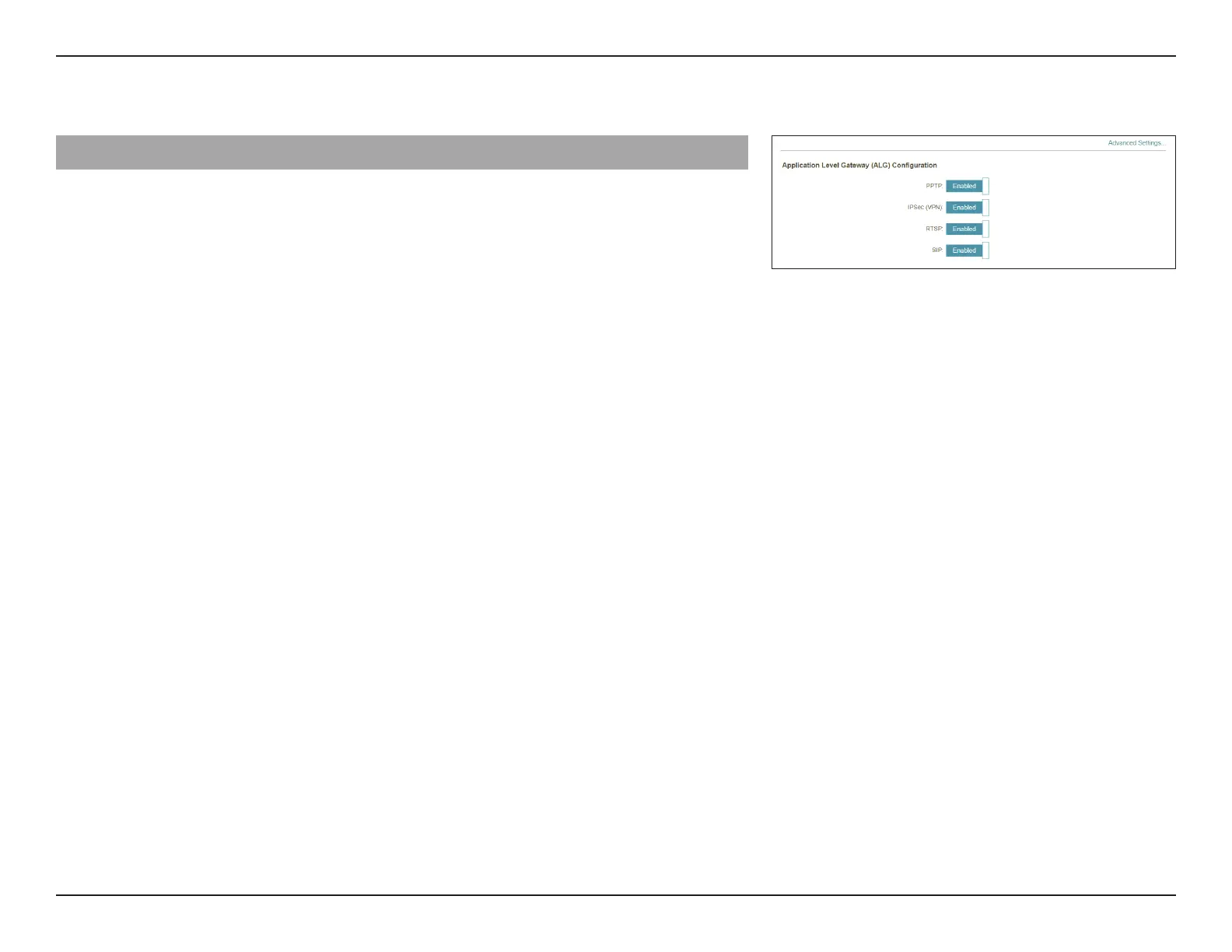
Advanced Settings... - Application Level Gateway (ALG) Conguration
Dierent ALGs provide special handling for specic protocols or
applications. A number of ALGs for common applications are enabled by
default as stated below.
PPTP Allows multiple machines on the LAN to connect to their
corporate network using the PPTP protocol.
IPSec (VPN) Allows multiple VPN clients to connect to their corporate
network using IPSec. Some VPN clients support traversal of
IPSec through NAT. This Application Level Gateway (ALG) may
interfere with the operation of such VPN clients. If you are
having trouble connecting to your corporate network, try to
turn o this ALG. Please check with the system administrator of
your corporate network for whether your VPN client supports
NAT traversal.
RTSP Allows applications that uses Real Time Streaming Protocol
(RTSP) to receive media streaming from the Internet.
SIP Allows devices and applications using Voice over IP (VoIP)
to communicate across NAT. Some VoIP applications and
devices have the ability to discover NAT devices and work
around them. This ALG may interfere with the operation of
such devices. If you are having trouble making VoIP calls, try
to turn o this ALG.



 To Next Page