66D-Link G530 User Manual
Section 3 - Conguration
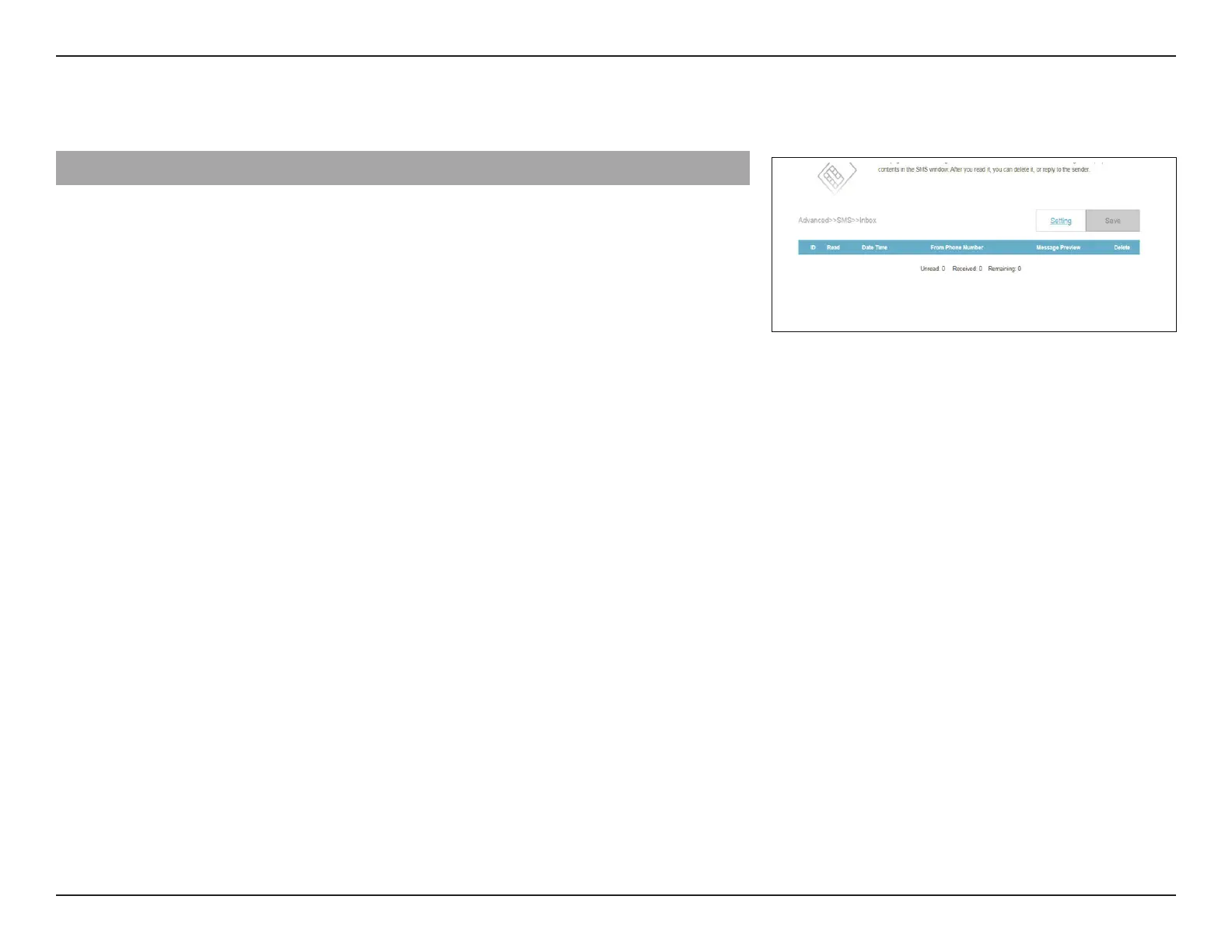
Status: Displays the status of the message.
ID: Displays the sender's ID.
UnRead: Displays whether the message has been read
or not.
Date Time: Displays the time and date at which the
message is received.
From Phone Number: Displays the phone number of the sender.
Message Preview: Displays a preview of the selected message.
Delete: Deletes the selected SMS message.
From the SMS page, click on Inbox to manage the SMS messages you have received. Select a message to display its
contents in the SMS window. After you read it, you can delete it or reply to the sender.
Inbox



 To Next Page