41D-Link G530 User Manual
Section 3 - Conguration
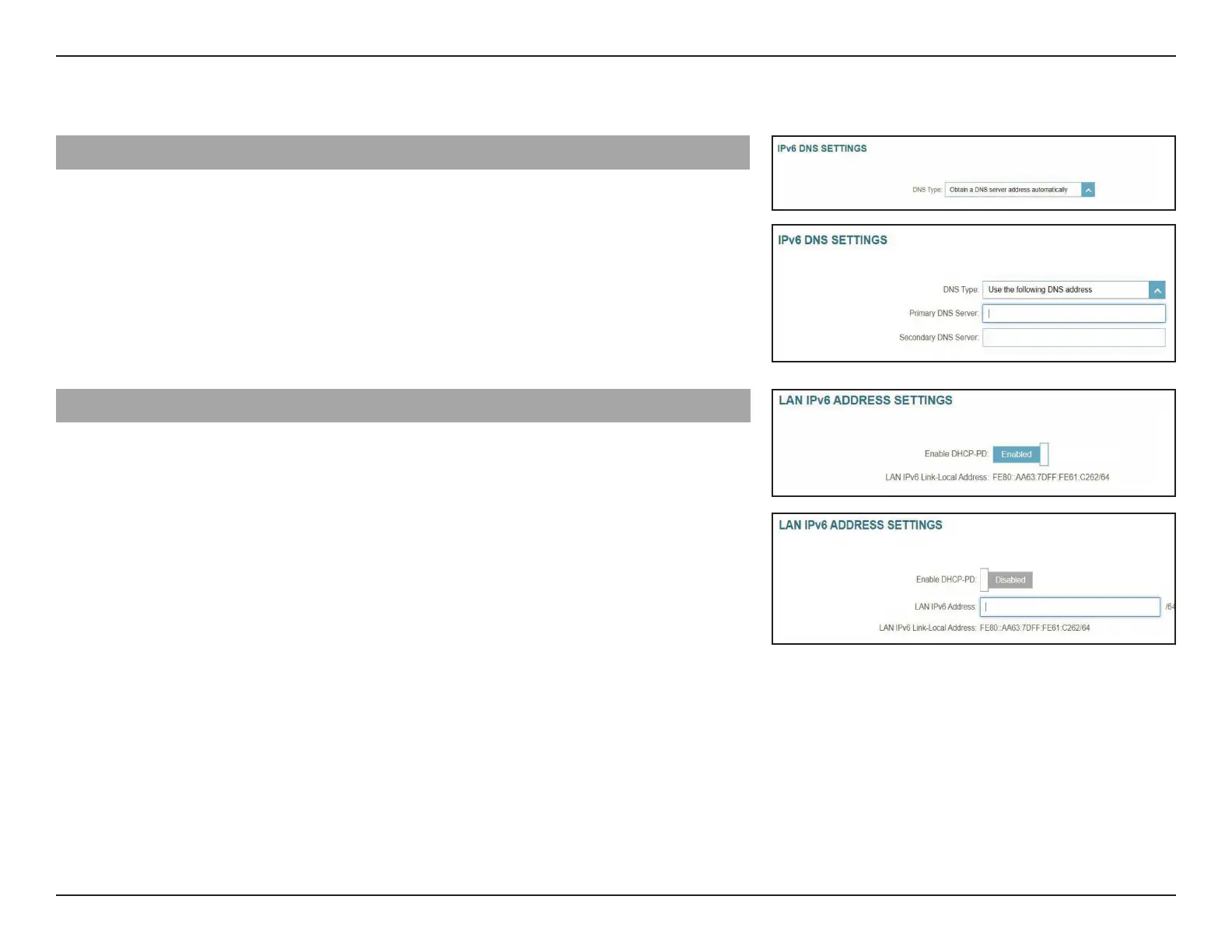
IPv6 DNS Settings
DNS Type: Select either Obtain a DNS server address automatically or
Use the following DNS address.
Primary DNS Server: If you select Use the following DNS address, enter the
primary DNS server address.
If you select Use the following DNS address, enter the
secondary DNS server address as a backup.
LAN IPv6 Address Settings
Enable DHCP-PD: Enable or disable prex delegation.
LAN IPv6 Address: Congurable if the above DHCP-PD is disabled. Enter the IP
address provided by your ISP.
LAN IPv6 Link-Local
Address:
Displays the router’s LAN link-local address for the local
network only.



 To Next Page