42D-Link G530 User Manual
Section 3 - Conguration
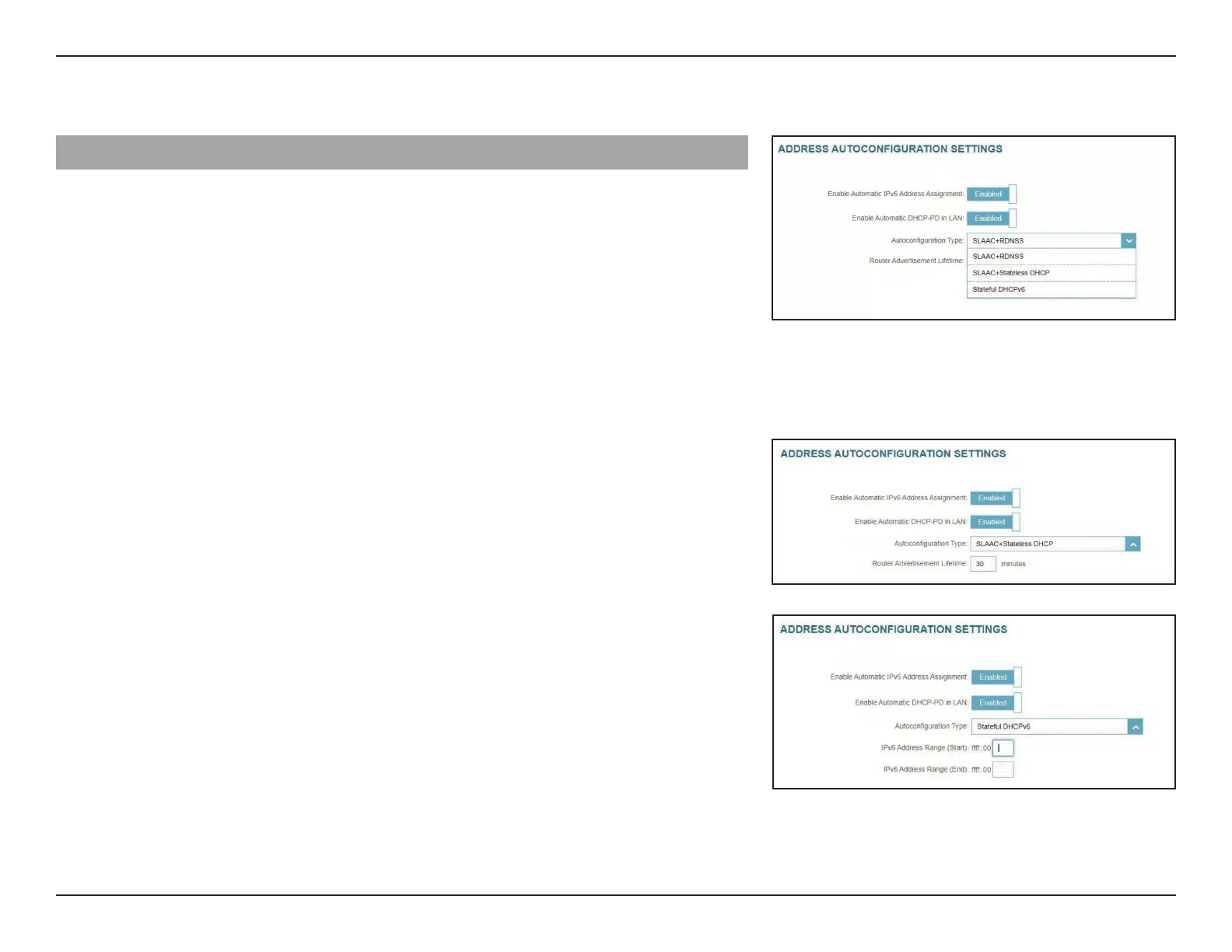
Advanced Settings... - Address Autoconguration Settings
Enable Automatic
IPv6 Address
Assignment:
Enable or disable the Automatic IPv6 Address Assignment.
Enable DHCP-PD is enabled in the previous LAN IPv6 Address Settings:
Enable Automatic
DHCP-PD in LAN:
Enable or disable DHCP-PD for other IPv6 routers connected
to the LAN interface.
Autoconguration
Type:
Select SLAAC+RDNSS, SLAAC+Stateless DHCP, or Stateful
DHCPv6.
SLAAC+RDNSS or SLAAC+Stateless DHCP as the Autoconguration Type:
Router
Advertisement
Lifetime:
Enter the router advertisement lifetime (in minutes).
Stateful DHCPv6 as the Autoconguration Type:
IPv6 Address
Range (Start):
Enter the start IPv6 address for the DHCP server’s IPv6
assignment.
IPv6 Address
Range (End):
Enter the end IPv6 address for the DHCP server’s IPv6
assignment.



 To Next Page