15D-Link G530 User Manual
Section 2 - Installation
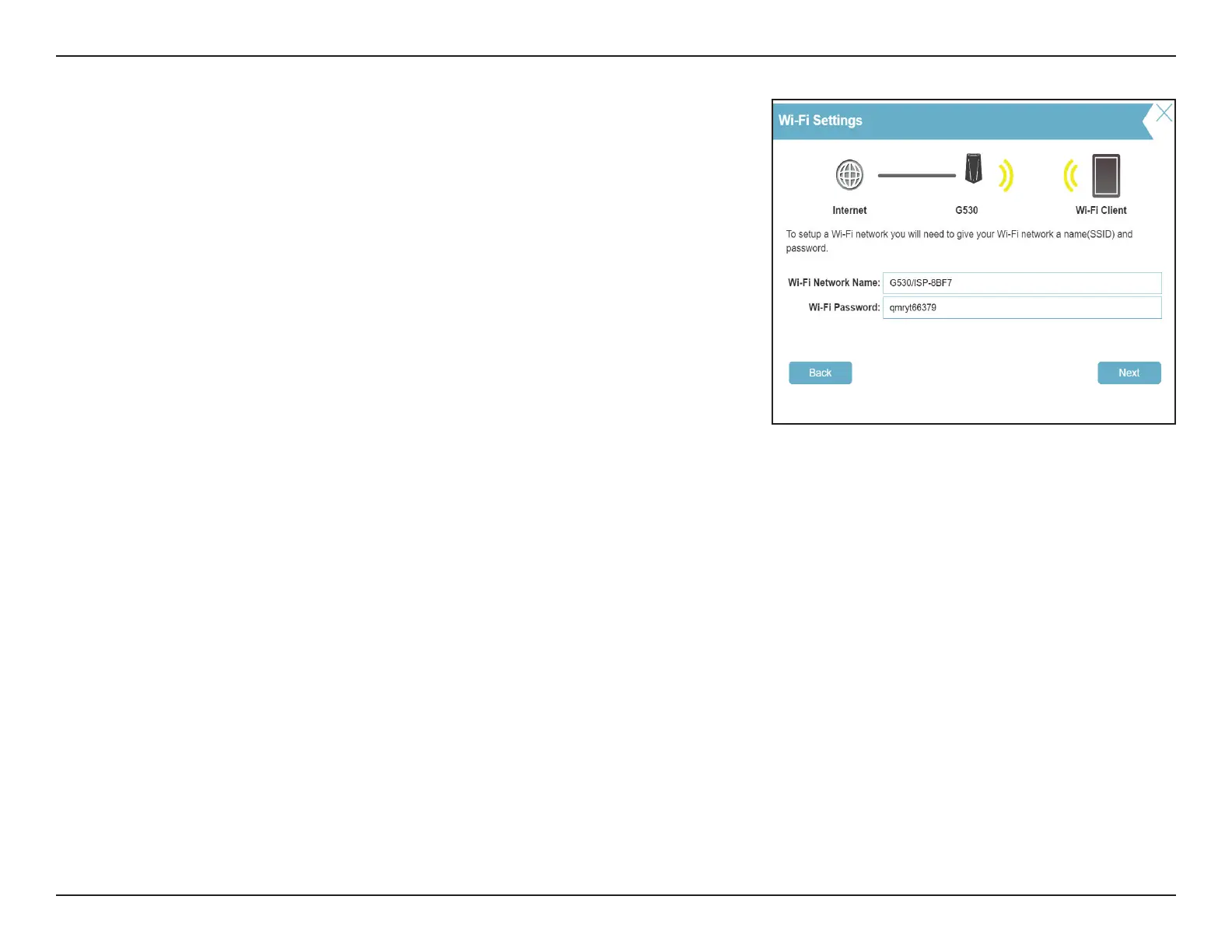
Type in a Wi-Fi Network Name and Wi-Fi Password to set up your Wi-Fi
network. Your wireless clients will need this network password to be able to
connect to your wireless network.
Click Next to continue.
Note: The router's Smart Connect feature presents a single wireless network. When
connecting clients to an extended network, they will be automatically added to
the best band, either 2.4 GHz or 5 GHz. To disable the Smart Connect feature and
individually congure 2.4 GHz and 5 GHz networks, refer to Wireless on page 49.



 To Next Page