58D-Link G530 User Manual
Section 3 - Conguration
DHCP Server
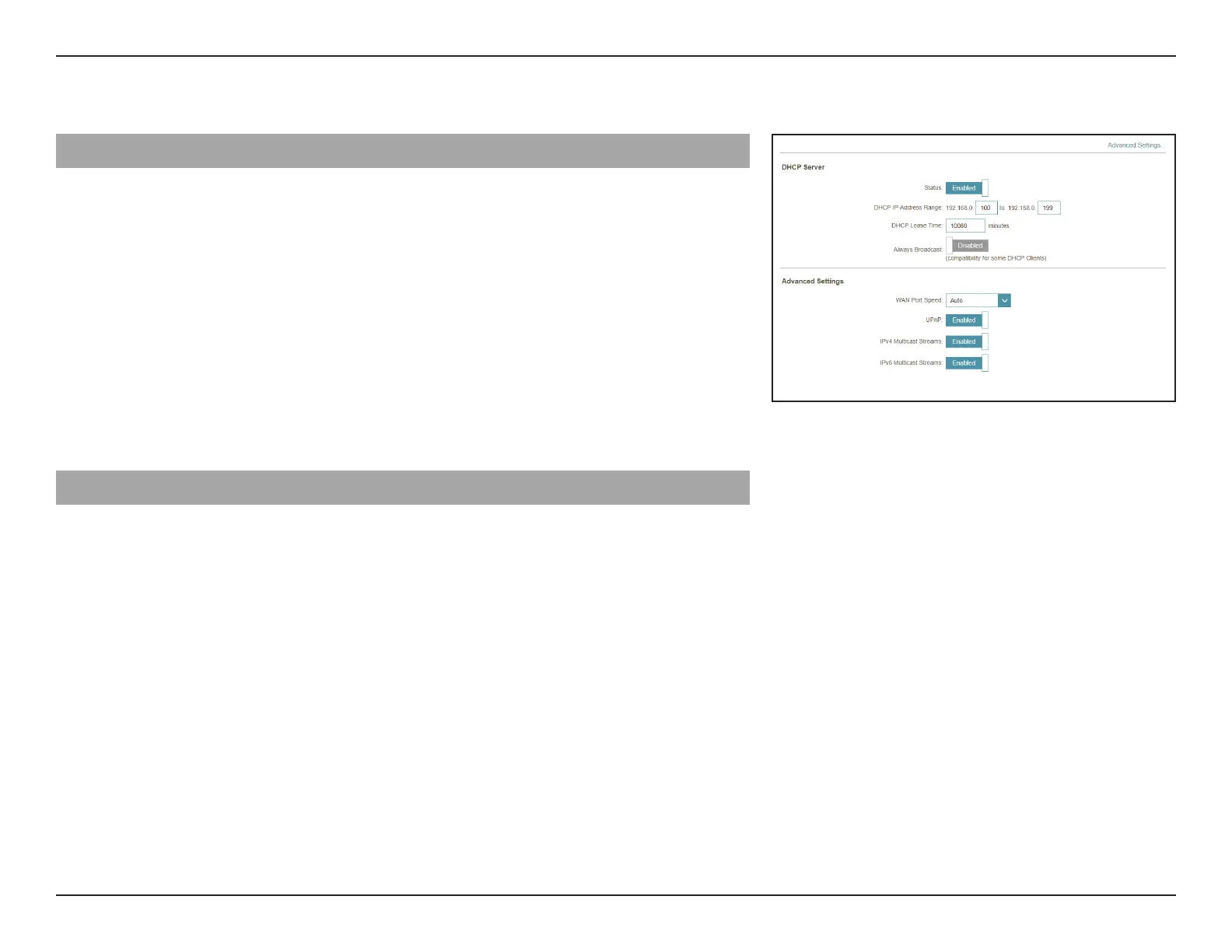
Status: Enable or disable the DHCP server.
DHCP IP Address Range: Enter the start and end IP addresses for the DHCP server's IP
assignment. Note: If you statically assign IP addresses to your
computers or devices, make sure the IP addresses are outside
of this range or you may have an IP conict.
DHCP Lease Time: Enter the length of time for the IP address lease in minutes.
The default is 10080 minutes.
Always Broadcast: Enable this feature to broadcast your network's DHCP server
to LAN/WLAN clients.
Advanced Settings...
WAN Port Speed: You may set the link speed of the Internet port to 10
Mbps, 100 Mbps, 1000 Mbps, or Auto (recommended).
UPnP: Enable or disable Universal Plug and Play (UPnP). UPnP
provides compatibility with networking equipment,
software, and peripherals. This is enabled by default.
IPv4 Multicast Streams: Allow or disallow IPv4 multicast trac to pass through
the router from the Internet. This is enabled by default.
IPv6 Multicast Streams: Allow or disallow IPv6 multicast trac to pass through
the router from the Internet. This is enabled by default.



 To Next Page