ENGLISH
45
7. Downloading and Installing the App
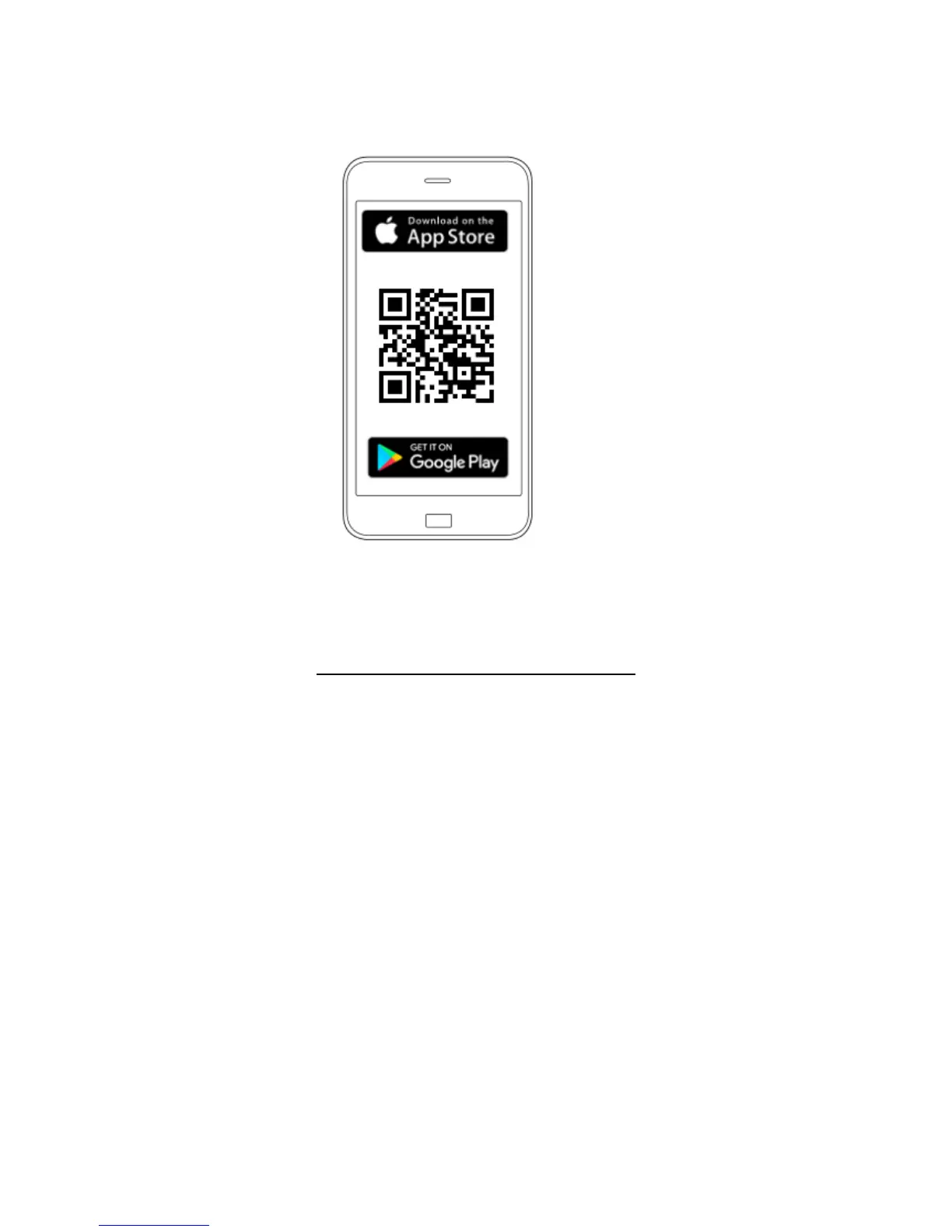
Download the DAB DConnect App from Google PlayStore if the device is an android or from the App Store
if the device is an Apple, or user your smartphone or tablet to visit the page:
www.dconnect.dabpumps.com/getstarted
Once it has been downloaded, a DConnect icon will appear on the Home page of your device.
Accept the conditions of use and the required permits to interact with the device.
Follow the instructions provided in the DConnect DAB.
To ensure the successful installation of the DConnect Box and of the products connected to it, it is
necessary to read carefully and follow all the instructions given in the DConnect DAB App.


 To Next Page