User's Manual
5
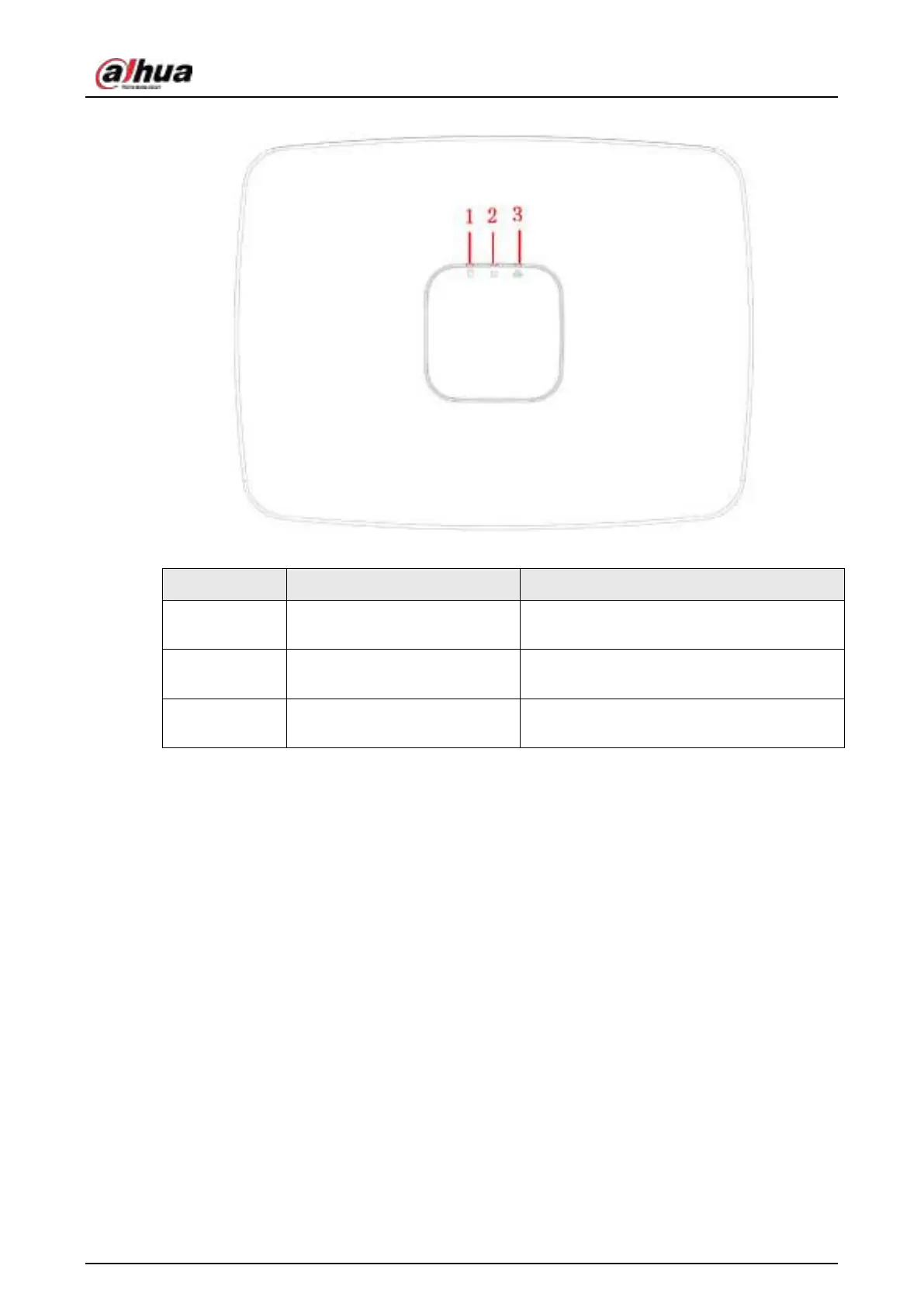
Figure 2-2 Front panel
Table 2-1 Icons
No. Name Function
1 HDD status indicator light
The red light becomes on when HDD is
abnormal.
2 Power indicator light
The red light becomes on when the power
connection is OK.
3 Network status indicator light
The red light becomes on when the network
connection is abnormal.
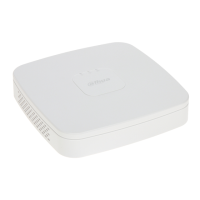
2.1.2 NVR11HS-S3H/NVR11HS-P-S3H/NVR11HS-8P-S3H/NVR41HS-
4KS2/NVR41HS-P-4KS2/NVR41HS-8P-4KS2/NVR41HS-
4KS2/L/NVR41HS-P-4KS2/L/NVR41HS-8P-4KS2/L/NVR21HS-
4KS2/NVR21HS-P-4KS2/NVR21HS-8P-4KS2 Series
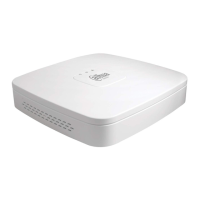
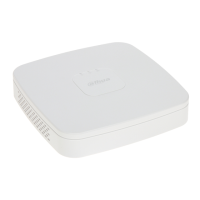
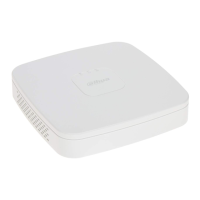
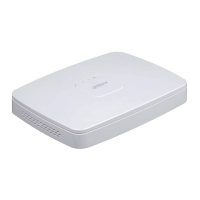
The front panel is shown as below.


 To Next Page
 Loading...