User's Manual
70
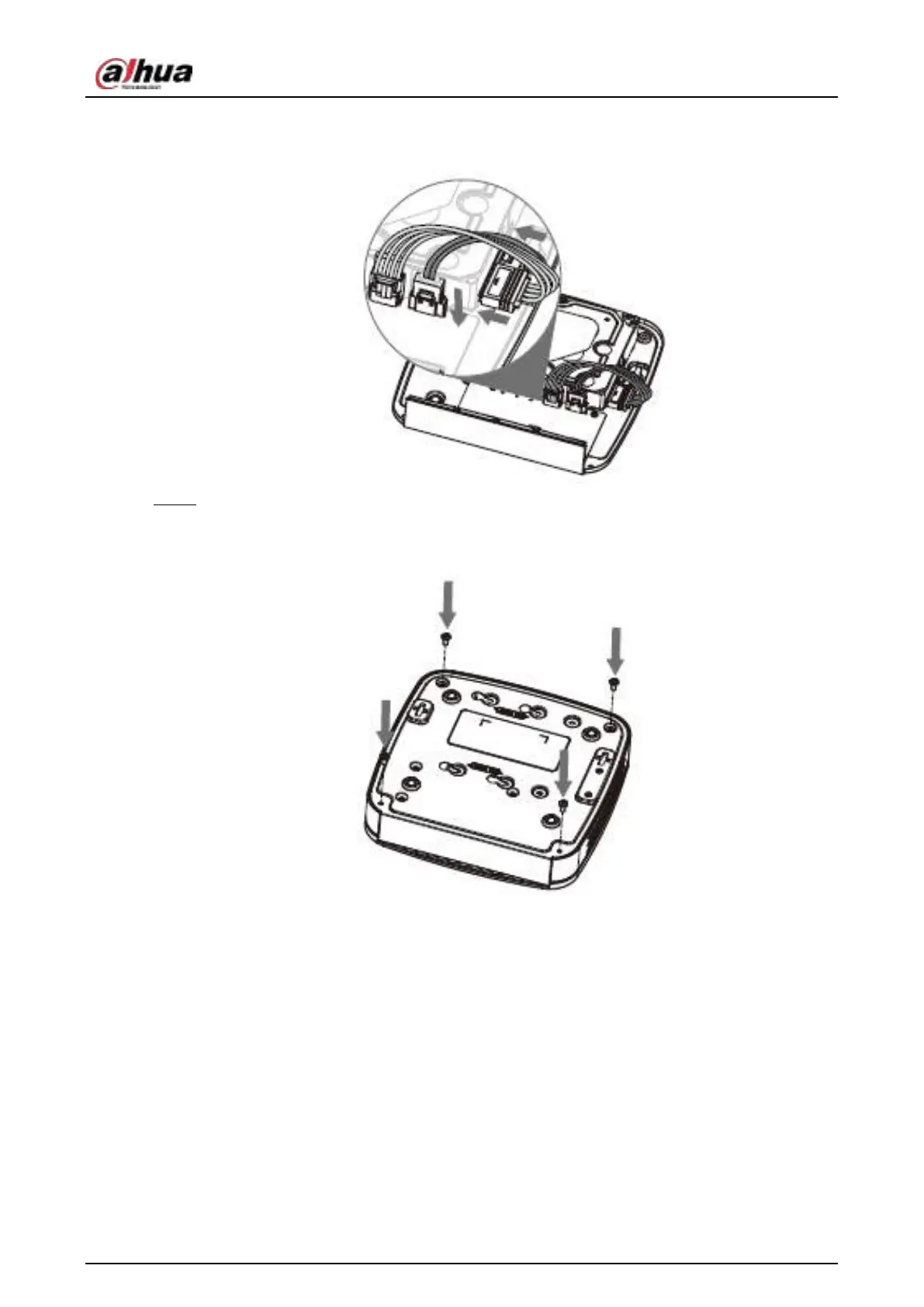
Figure 3-5
Step 5 Put the cover back and then fix the screws of the rear panel. The installation is complete.
Figure 3-6
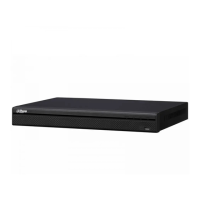
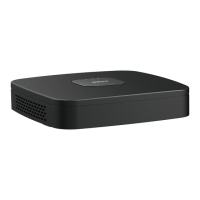
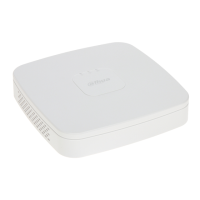
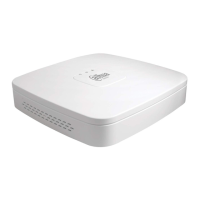
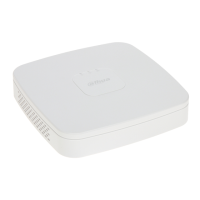
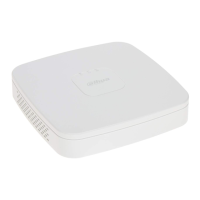
3.4.2 NVR41HS-4KS2/NVR41HS-P-4KS2/NVR41HS-8P-
4KS2/NVR41HS-4KS2/L/NVR41HS-P-4KS2/L/NVR41HS-8P-
4KS2/L/NVR21HS-4KS2/NVR21HS-P-4KS2/NVR21HS-8P-
4KS2/NVR21HS-W-4KS2/NVR11HS-S3H/NVR11HS-P-S3H/NVR11HS-
8P-S3H/NVR21HS-I/NVR21HS-I2/NVR21HS-P-I/NVR21HS-P-


 To Next Page
 Loading...