26
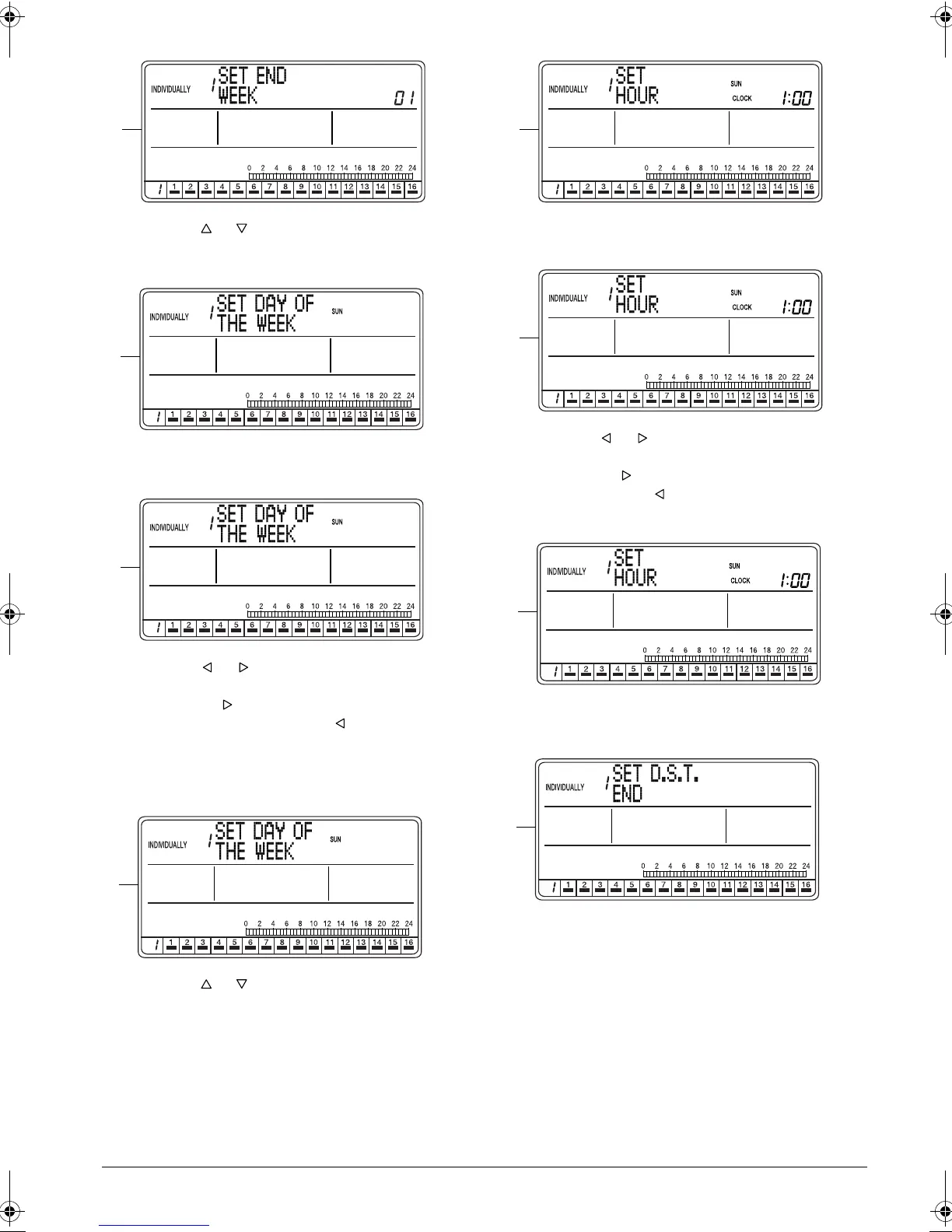
M. Press the or button (2) to select the input set-
ting for the day of the week of the daylight saving
end day.
N. The display changes to the input setting screen for
the day of the week of the daylight saving end day.
O. Using the or button (4), set the day of the
week of the daylight saving end day.
Pressing the button advances the day of the
week indication. Pressing the button reverses
the indication.
* 01 - 04: 1st week to 4th week, 05: final week of
the set month
P. Press the or button (2) to select the input set-
ting for the daylight saving end time.
Q. The display changes to the input setting screen for
the daylight saving end time.
R. Using the or button (4), set the daylight sav-
ing end time.
Pressing the button advances the time indica-
tion. Pressing the button reverses the indica-
tion.
S. Press the SET/CANCEL button (3) to end the set-
ting.
T. The display returns to the setting screen for the
daylight saving period.
M
N
O
P
Q
R
S
T
01_EN_3P124623-10N.fm Page 26 Monday, January 28, 2008 4:58 PM



 To Next Page