– 12 –
• Run Continuous plays the message and repeats it until another message is
played.
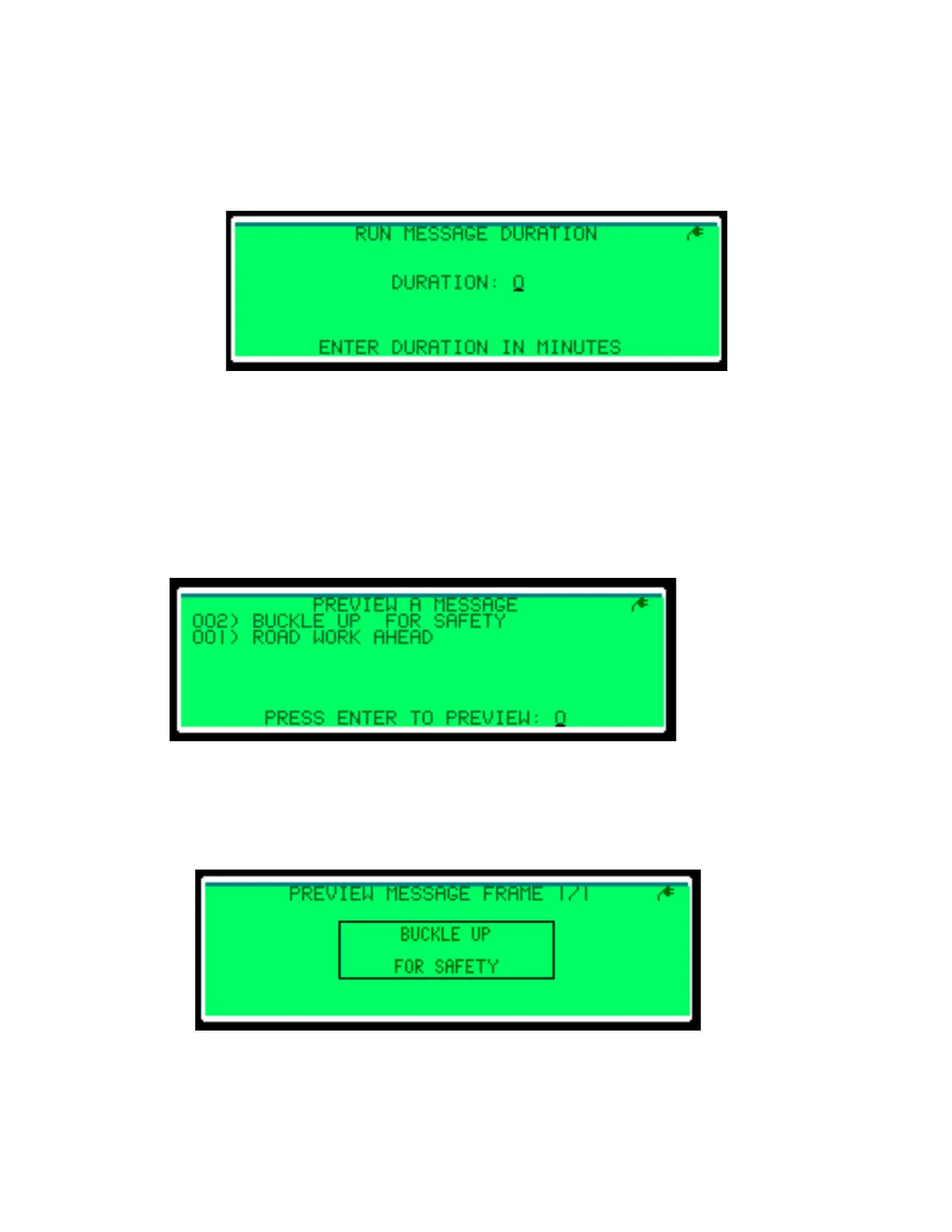
• Run Duration plays the message for a set number of minutes and then blanks the
display. In the Run Message Duration menu, type the number of minutes and
press Enter. Refer to Figure 11.
• Do Not Run does not play the message and returns to the Message Control menu.
• Go Back returns to the Run Saved Message menu.
Preview a Message
The Preview a Message menu, illustrated in Figure 12, lets you view a message on the
LCD screen without playing it on the display.
To preview a message:
1. Type the number of the message to preview and press Enter. The rst frame of the
message plays on the LCD screen. Refer to Figure 13.
Figure 11: Run Message Duration
Figure 12: Preview a Message
Figure 13: Previewing a Message


 To Next Page