DF4910HD-DN | DDF4910HDV-DN-IM/-SM
www.dallmeier.com 22
6 Installation and Commissioning
6.1 Box Camera
The installation and commissioning of the unit may only be carried out by qualied per-
sonnel.
WARNING
Electric shock hazard
Danger of death or serious injury
Always disconnect the PoE switch or the separate power supply unit
from the mains socket (pull out the power plug) before connecting or
disconnecting the device.
NOTICE
The device can be powered via PoE (Power over Ethernet, Class 0) OR
supplied with a separate 12 V DC power supply unit.
However, always beware not to use both power sources simultaneously.
In order to comply with UL’s requirements, always use a UL-certied, Limited Power
Source (LPS) Class 2 power supply unit when operating the device with a separate power
supply unit.
6.1.1 Attaching the Lens
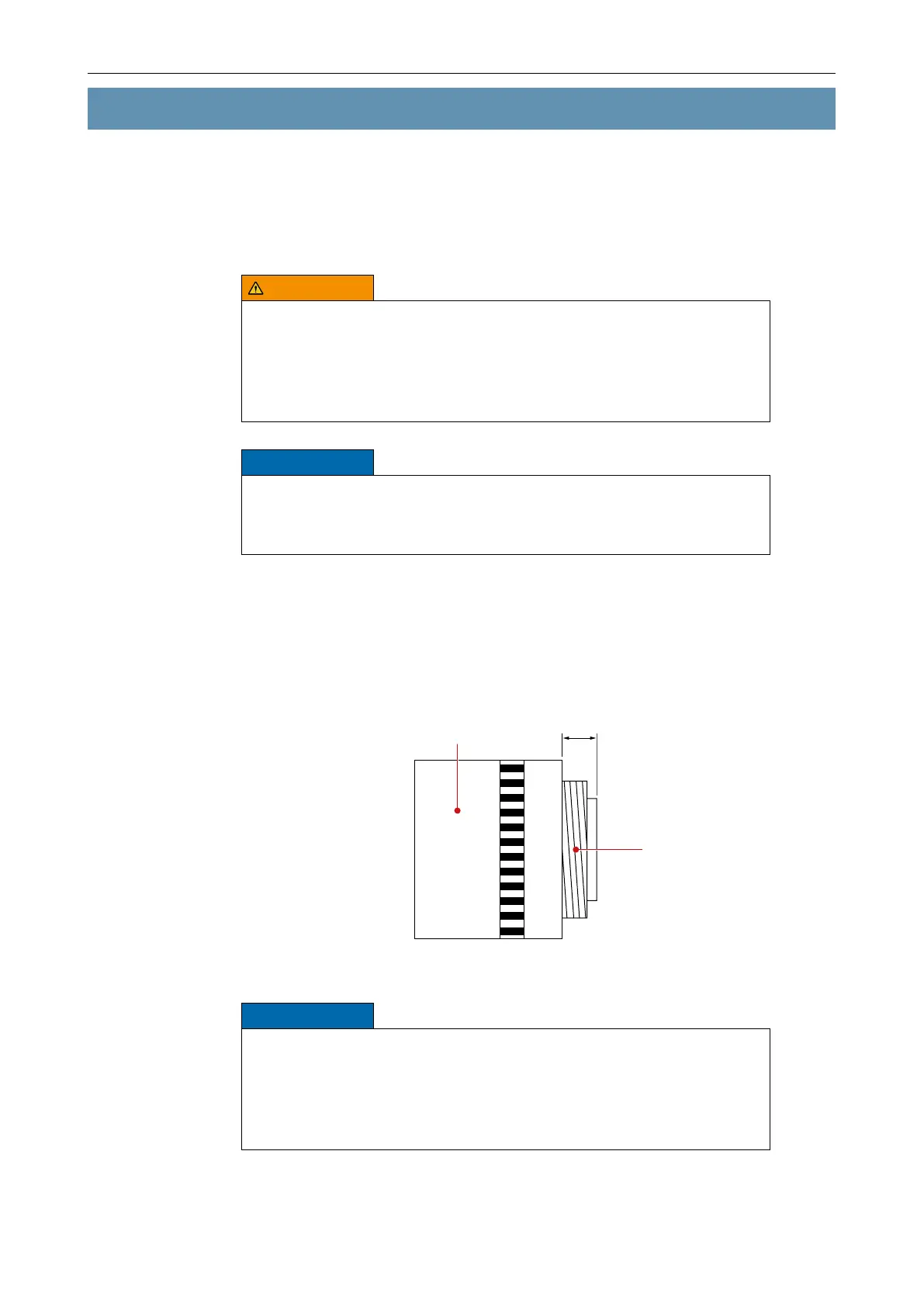
Lens
Lens thread
Max. 5 mm
Fig. 6-1
NOTICE
Possible damage to the sensor
The length of the lens thread plus any protruding parts must not exceed
5 mm.
If using a C-mount lens, you have to screw a C-/CS-mount adapter ring
(5 mm) between the lens and the camera.



 To Next Page